
Why is my app "Waiting for app's turn to load"?
When Rambox starts, it loads your apps one at a time so your computer stays responsive. Here's how it works and how to skip the line.
When Rambox starts, it doesn't open all your apps at once. Loading many web apps at the same time can make your computer slow for a while, so Rambox loads them one at a time. While an app waits, you'll see:
Waiting for app's turn to load... with a Load now! button.
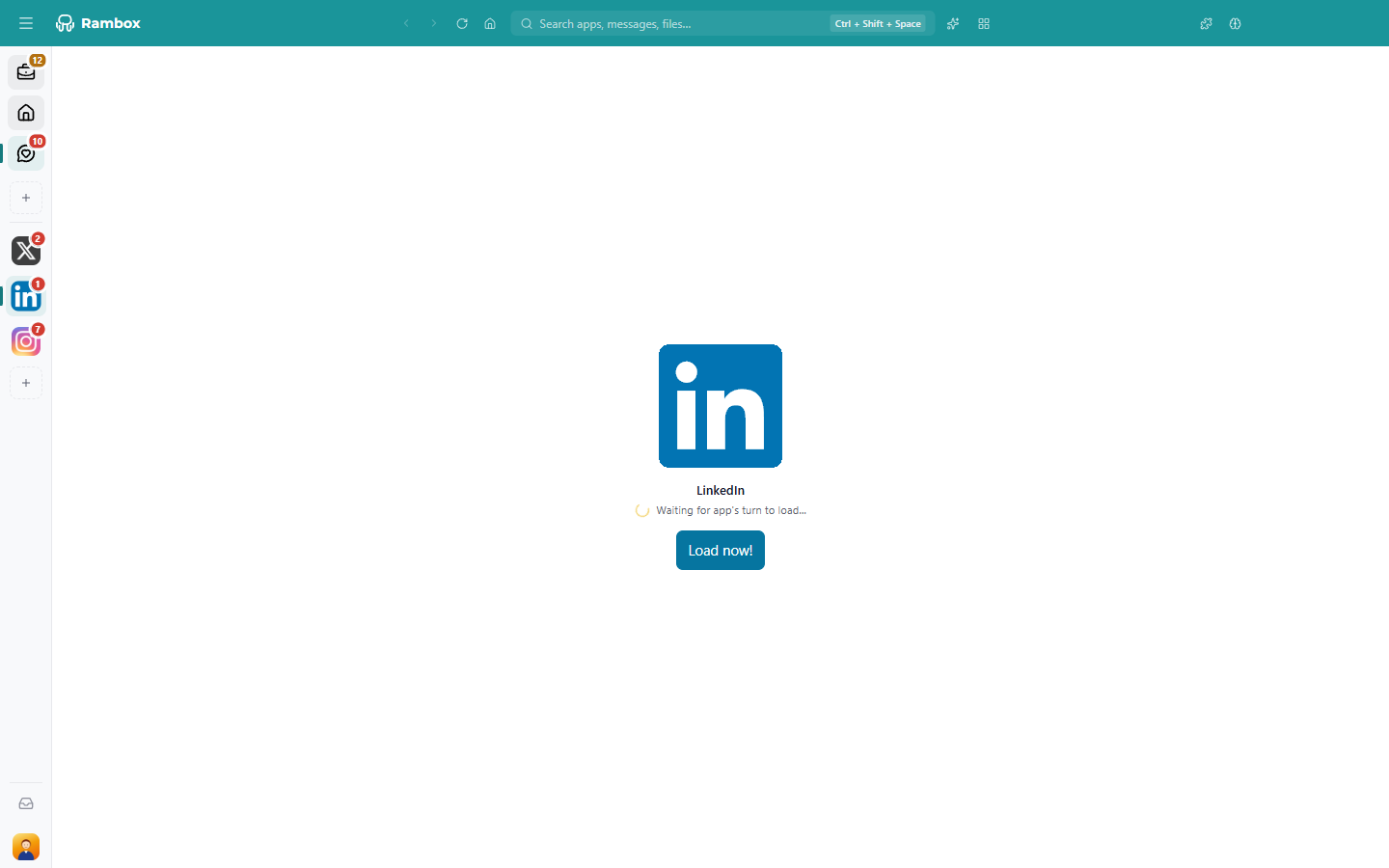
This is normal, and it only lasts a few seconds per app.
How the order works
- The app you're looking at loads right away, without waiting.
- The rest load in the order they appear in the sidebar: the apps of your first workspace first, then the next workspace, and so on.
- Each app gets a few seconds to start before the next one begins.
- Disabled and hibernated apps are skipped, because they don't load until you need them.
- If you turn on a workspace while Rambox is running, its apps join the end of the line.
Skip the line
- Click Load now! to load that app immediately.
- Or simply open the app: as soon as it's the app on screen, it loads right away.
Make your most important apps load first
Since apps load in sidebar order, put the ones you need first at the top. Drag them into place, or reorder your workspaces. See Tabs reordering.
To keep apps you rarely use from loading at all on startup, tick Start hibernated in their settings. See How to hibernate.
When an app doesn't load at all
If, instead of waiting, an app shows an error such as The app failed at loading. or There is no active internet connection., click Try again.... If it keeps failing, see Crashes and loading issues and Connectivity issues.