
How can I open multiple accounts for the same app?
Run several accounts of the same app side by side, such as two Gmail or WhatsApp accounts, each staying signed in on its own.
Rambox lets you keep several accounts of the same service open at once, for example your work and personal Gmail, or two WhatsApp numbers, each with its own icon, notifications and sign-in. No more signing out and back in.
The idea is simple: add the app once for each account, and make sure each copy has its own session so the sign-ins don't mix.
Step 1: add the app again
- In the sidebar, click the + button below your apps (tooltip Add app).
- Search for the app (for example, Gmail) and click it.
- Give this copy a name that tells it apart, such as "Gmail – Work".
- Click Add.
Repeat for each account. Each copy is a separate app in your sidebar.
TIP
Give each copy a different icon so you can tell them apart at a glance. See How to change the icon image.
Step 2: give each copy its own session
How you do this depends on your plan.
On Pro and during the trial
Each app has a Profile setting. Apps that share a profile share one browser session, so they also share one sign-in. To keep two accounts apart, give each copy a different profile:
- Right-click the app in the sidebar and click the gear icon (Settings).
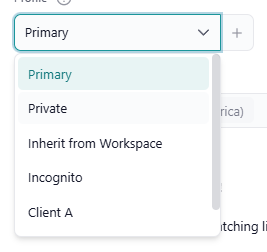
- In Profile, choose one of these:
- Private gives this app a session of its own. The simplest option for a second account.
- A custom profile, such as "Work" or "Personal". Use this when several apps should share the same account. For example, put Gmail, Calendar and Drive for your work account on a "Work" profile so one sign-in covers all three.
- Click Save. Rambox reloads the app to apply the change.
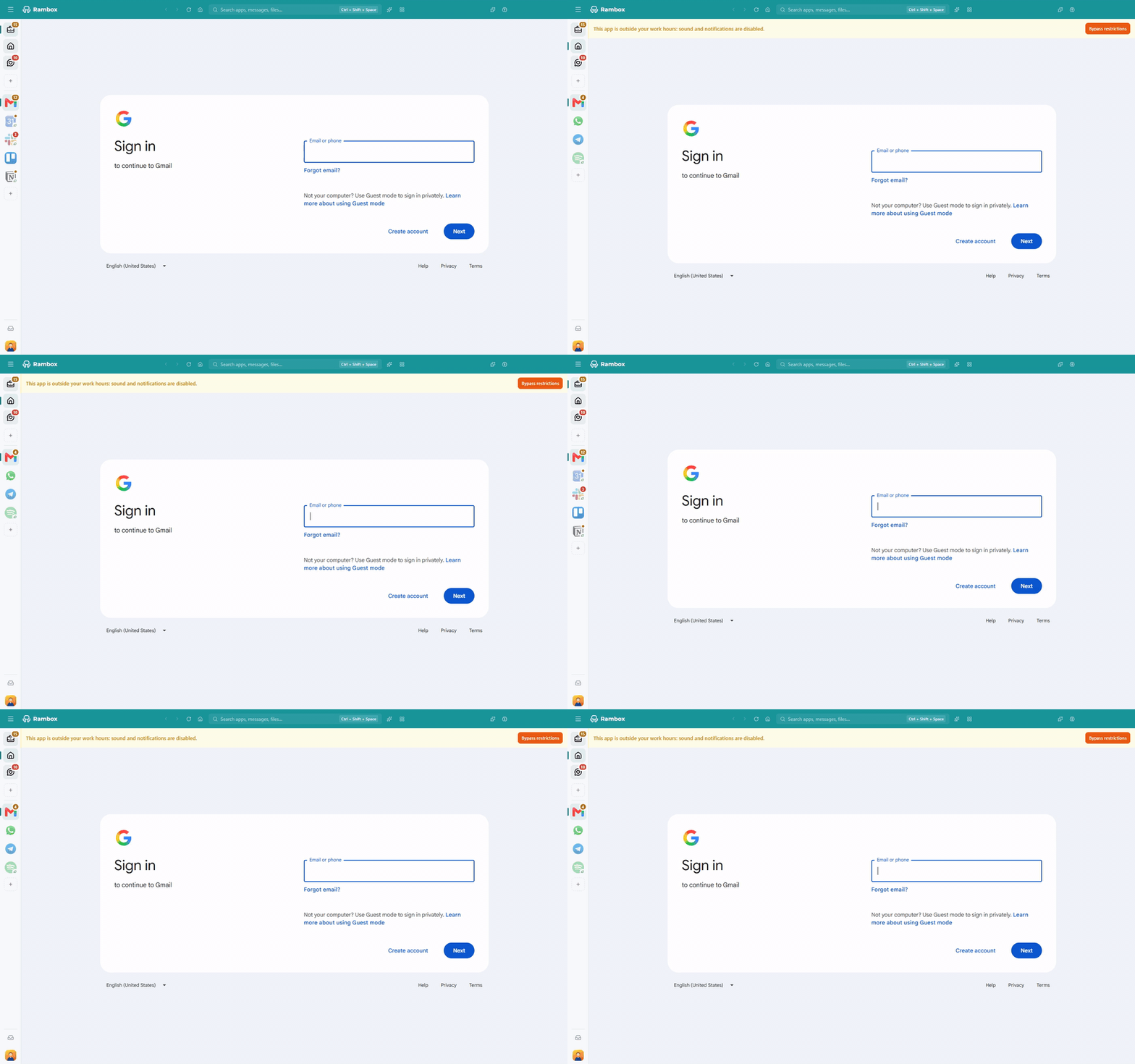
- Sign in with the account you want in that copy.
WARNING
New apps start on Inherit from Workspace, which means they use the workspace's profile. Two copies of the same app in the same workspace will therefore share one sign-in until you change one of them to Private or another profile.
To create a custom profile, click the + next to the Profile field. See Profiles for everything you can do with profiles.
On the Basic plan
On Basic, every app automatically gets its own isolated session, so each copy already keeps its own sign-in. You don't need to set anything up: just add the app again and sign in.
The Basic plan allows up to 2 accounts of the same app (WhatsApp and WhatsApp Business count together). If you try to add another, Rambox shows You have reached the limit of {app} instances of your free account. with an option to upgrade. Some apps may have a different limit. Pro has no limit.
Only apps in the workspace your Basic plan includes count toward the limit.
Pro feature
Choosing profiles, so that several apps share one sign-in, is available on the Pro plan and during the free trial. How to become Pro
Tips
- Pick the right account in a Google app. If a copy opens the wrong Google account, switch accounts inside the app, then right-click inside the page and choose Set current URL as app's default. Rambox will open that address every time.
- Changing a profile signs that app out. The app starts with the session of its new profile, so you may need to sign in again.