
How to become Pro
Upgrade your Rambox account to the Pro plan, monthly, yearly or once for a lifetime, from the Billing page of the Rambox Console.
The Pro plan unlocks everything in Rambox: unlimited workspaces, Chrome extensions, the spell checker, profiles and isolated sessions, Unified Search, more accounts per app, more active computers and more. You can pay monthly, yearly, or once for a lifetime license. Current prices are on rambox.app/pricing.
Try it first
New accounts start with a free Pro trial. You don't need a card for it, and when it ends your account simply moves to the free Basic plan. You can upgrade during the trial or at any time after it.
Upgrade to Pro
In the Rambox app, click your profile picture at the bottom of the sidebar.
Click Change plan (it has an Upgrade! tag). During the trial, click {days} trial days left or Billing instead.
The Billing page of the Rambox Console opens in your browser, already signed in. You can also go to console.rambox.app/billing and sign in.
In the Subscription card, click Upgrade to Pro.
In the Upgrade to Pro dialog, choose Monthly, Yearly or Lifetime. Yearly is selected by default.
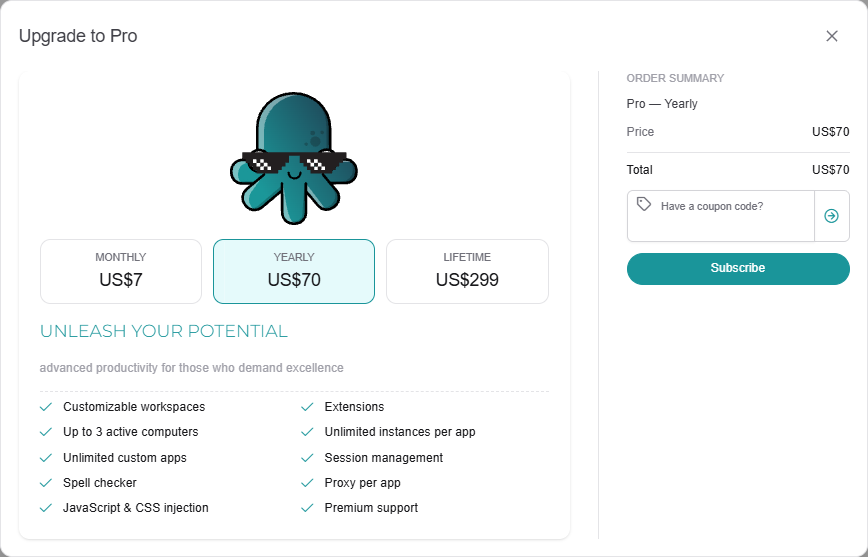
Check the Order summary on the right: the Price, any discount, and the Total. If you have a coupon, enter it in Have a coupon code? now. See How to redeem a coupon.
Click Subscribe. You are taken to Stripe's secure checkout page.
Enter your card and your billing address. You can also add a tax ID (for example a VAT number) to show on your invoice.
Confirm the payment.
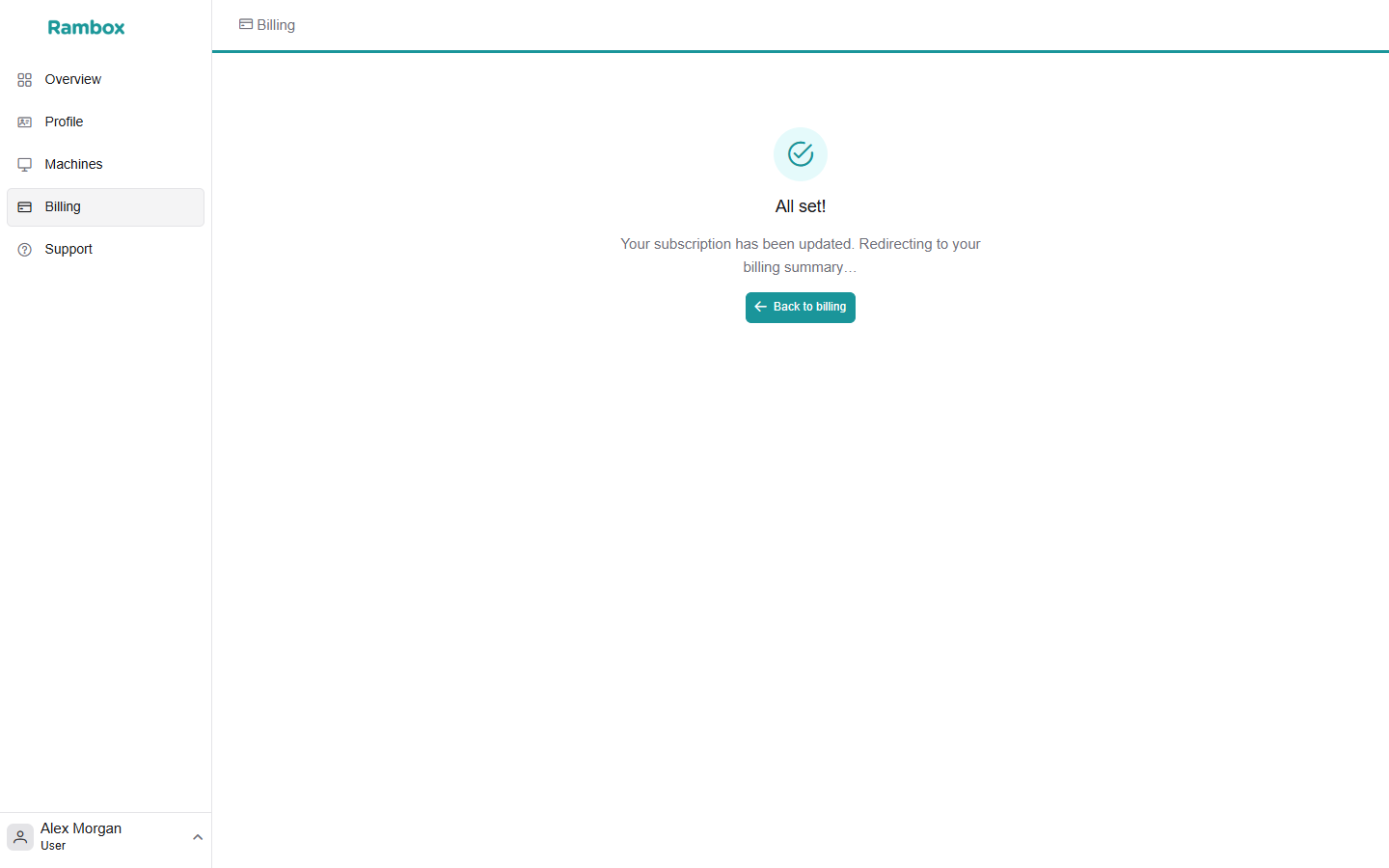
You return to the Console, which shows "All set!" and then your billing summary. Pro features are unlocked in the Rambox app.
INFO
If promotions are running, the discounted price is applied automatically and the original price is shown crossed out.
Which billing cycle should I pick?
- Monthly — pay every month. Cancel whenever you want.
- Yearly — pay once a year, at a lower price than twelve months.
- Lifetime — pay once and keep Pro, with no renewals.
You can switch between them later. See How to change your Pro plan.
What changes when you become Pro
- Every workspace you had locked on Basic is unlocked again, with its apps.
- You can use Rambox on more computers at the same time. See Active devices: how do they work?
- The PRO tags disappear from the app.
If the app still shows Basic after you pay, give it a moment, or sign out and sign in again. If that doesn't help, contact support.