
Insufficient hard disk space?
Free up disk space so Rambox can keep working properly.
Rambox requires a minimum of 2GB of hard disk space available for its proper functioning.
It periodically checks if you have enough free space on your HDD for its correct operation. If Rambox detects that you have less than 2GB, you will see the following banner:

If this banner is dismissed, and there is still not enough free hard disk space, it will be displayed again when Rambox checks your available space once more.
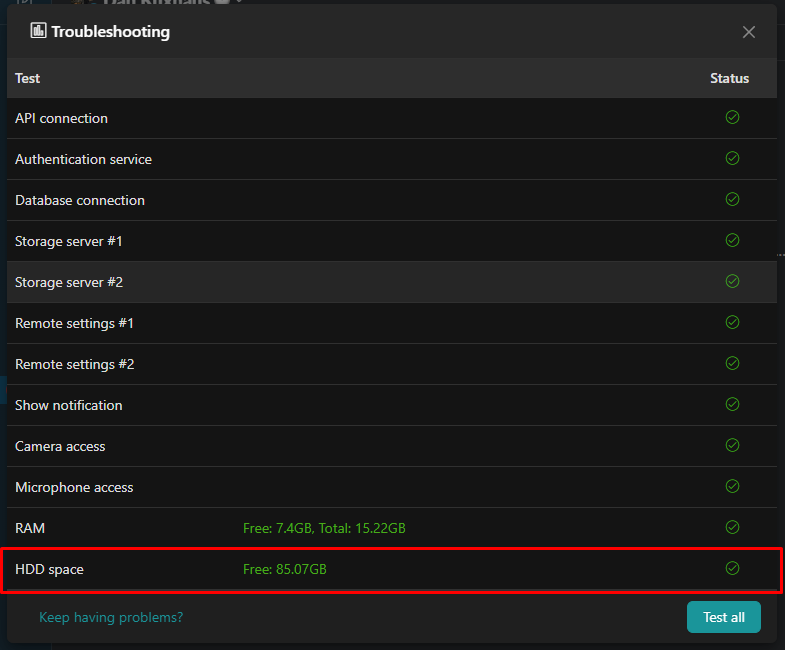
Also, you can always resort to our Troubleshooting tool, which will show you further information in relation to this aspect:
Some steps you may follow in order to free up disk space, among others, are:
Uninstall programs that you no longer need.
Remove unnecessary files.
Clean your desktop.
Use a disk cleanup tool or software.
Discard temporary files
Store files in the cloud.
Add more storage.