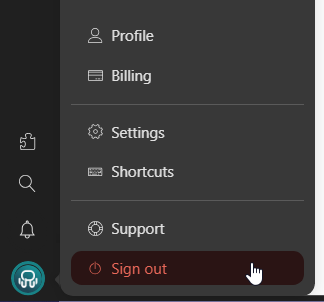
Your Profile configuration.
Review your account details, your linked devices and your active sessions.
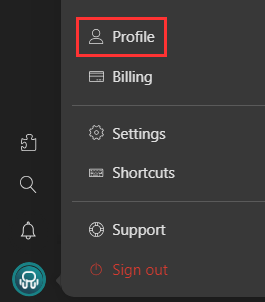
Click on your profile picture and then select "Profile"
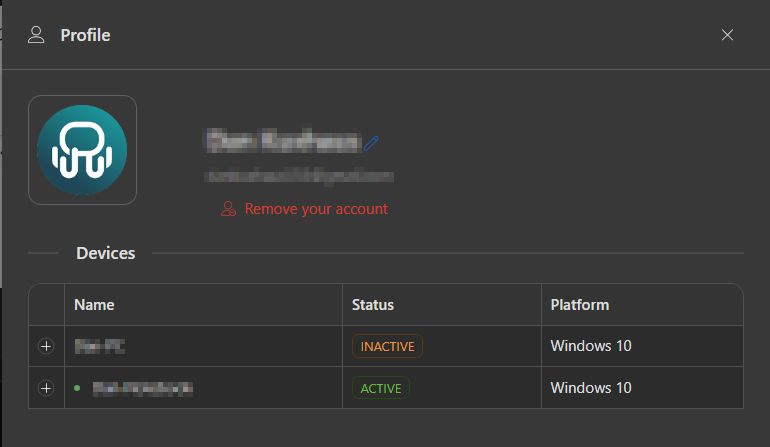
Devices
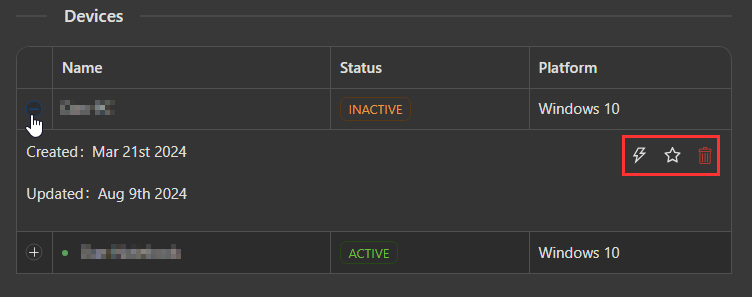
Here you'll see all the devices where you have logged in. By clicking on the "+" button, you can remove, deactivate, or set a device as primary using the buttons on the right.
In our Pro plan, you can have up to three active devices at the same time, while in our Basic plan, just one active machine.
The primary devices (up to two) will never get deactivated when adding a new device. When you deactivate a device, it will get locked until it is activated again. If you remove it, you'll get logged out of your Rambox account on that device.
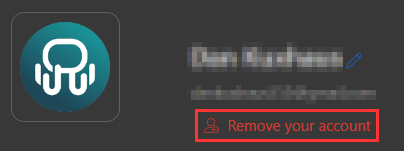
Remove your Account
This will cancel your subscription and delete your account and all your data from Rambox (user, device, and billing information). We'd be sorry to see you go, so please do not use this button unless you really need to!
Change your profile picture
If you click in your current profile picture, it will open a dialog where you can choose a different one. Once changed, you can remove it by clicking in the trash bin that appears when hovering the picture.
Sign out
Logging out your account will prompt the login dialog again.