
How to edit Teams and Workspaces
Rename and reorganize your teams and their workspaces.
Follow these steps in order to edit your Teams and Workspaces information:
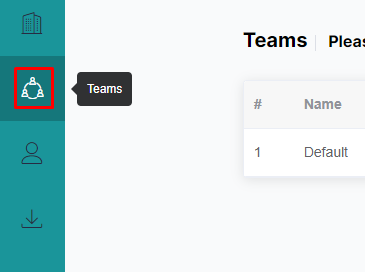
Go to the "Teams" section in the Web Admin.
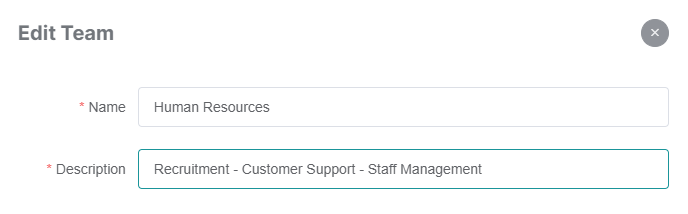
Click on the pencil icon of the team you want to edit. A drawer will open.

Edit the name and description of the team, then click the "Save" button at the bottom right of the drawer.
Similarly, in order to edit a workspace:
Select the team of the workspace you would like to edit. Then click on the pencil button of the desired workspace.
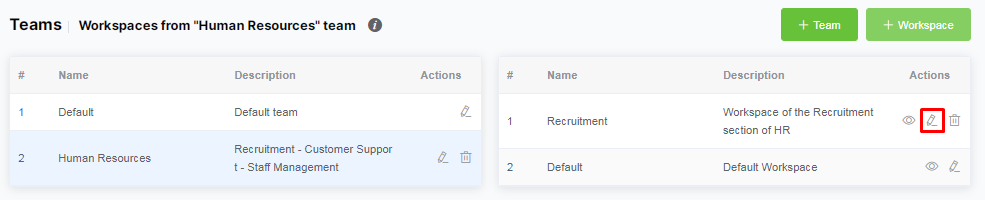
Make changes to the name and description of the workspace then save the changes with the "Save" button.
If you want to know how to add groups and apps to the workspaces, please follow this link.