
How to reset my Rambox password?
Reset the password of your Rambox account from the login form.
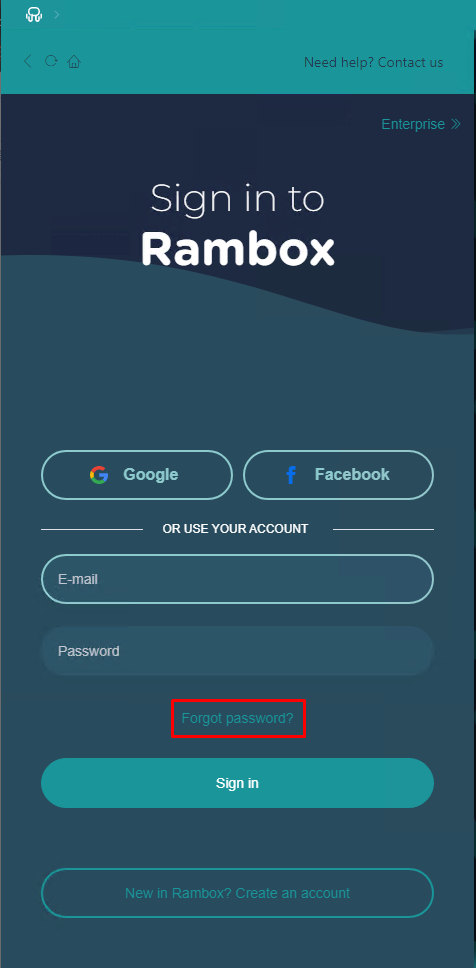
Inside Rambox, in the login form, you'll find a "Forgot password?" link.
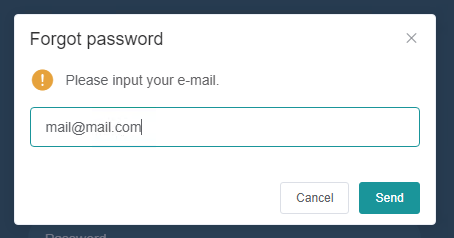
Once clicked, insert your email, then click send.
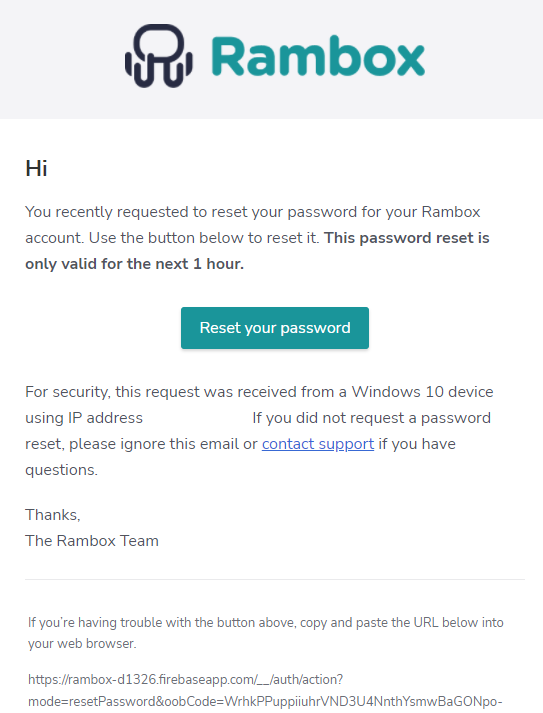
You'll receive an email in your Inbox. Click in the "Reset button"
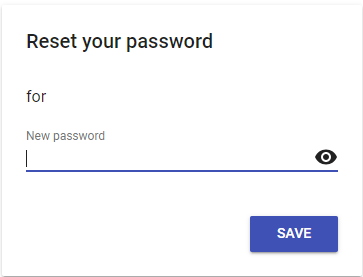
Type your new password, then click save.
That's it! You successfully changed your password.