
How to remove an App or a Workspace?
Delete an app or a workspace from Rambox in a few steps.
Whenever you want to delete an app or a workspace from Rambox, you can do so by following these steps:
Right-click on the app/workspace you want to remove.
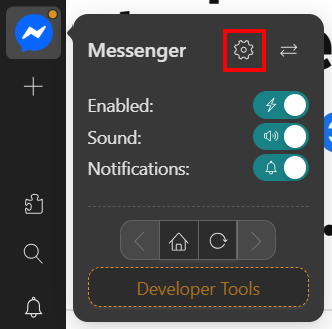
Click on the "Settings" button (gear icon).
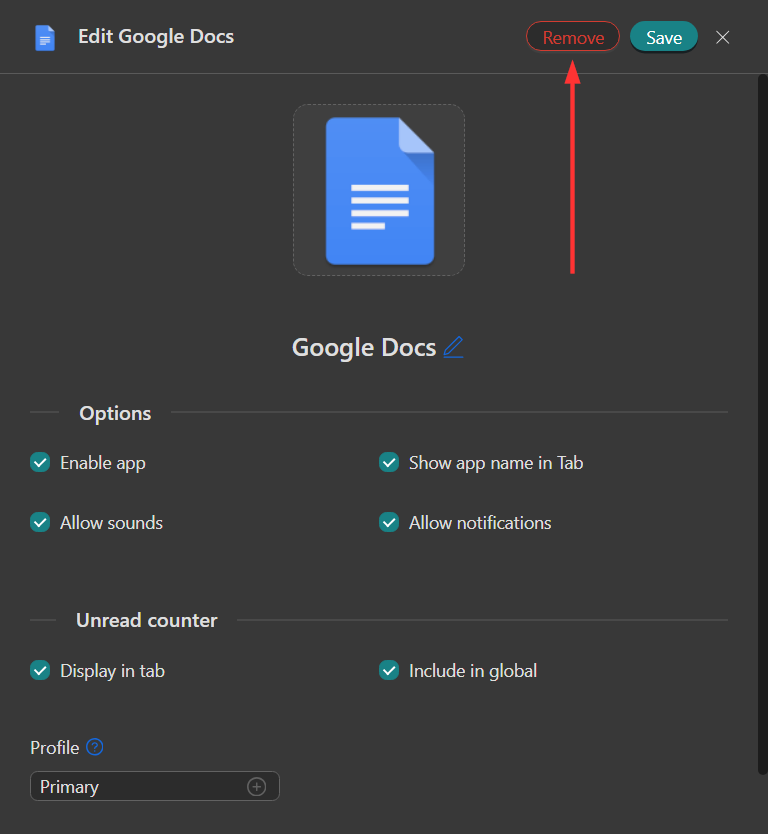
A drawer will open and, at its top, you will see the "Remove" button.
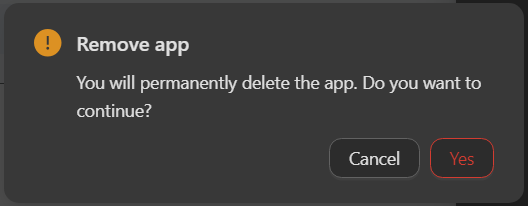
A confirmation dialog will appear. Click on "Yes" if you are sure you want to delete the app/workspace.
That's it! You have deleted the app/workspace.