Install Rambox on Windows
Learn how to install Rambox on Windows
REQUIREMENTS
Windows 10 (v1809+), Windows 11, and Windows Server 2016+ (x64, x86, ARM64).
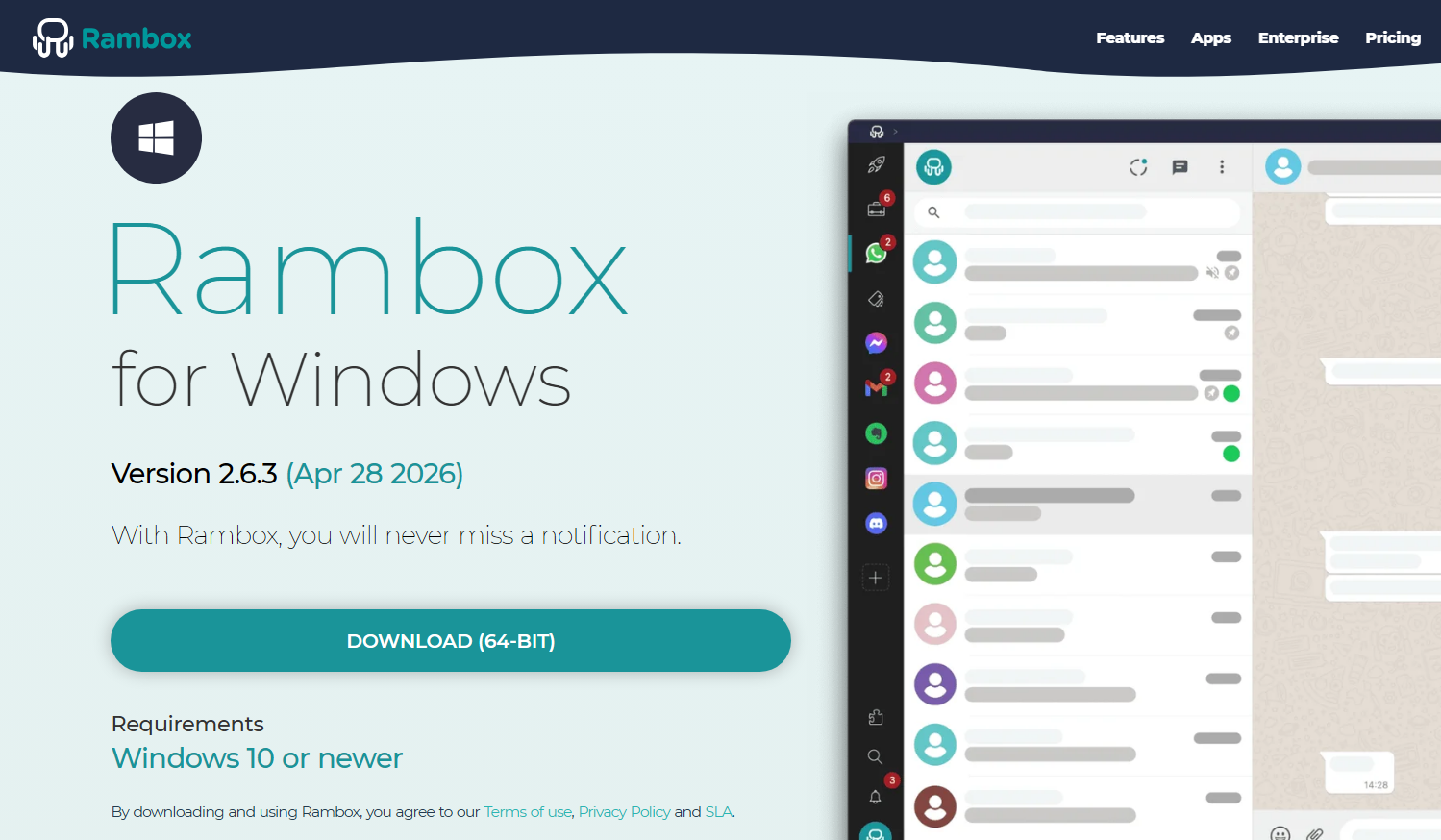
Go to https://rambox.app/download and download the application.
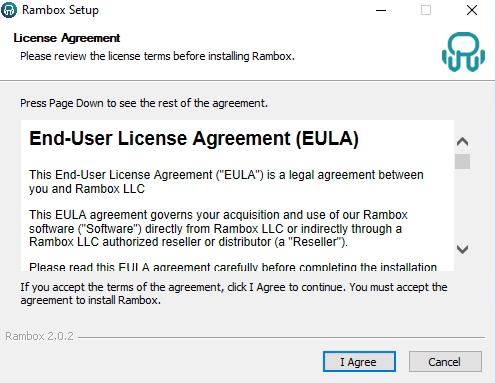
Execute the .exe file. Then click "I Agree" after reading our License Agreement.
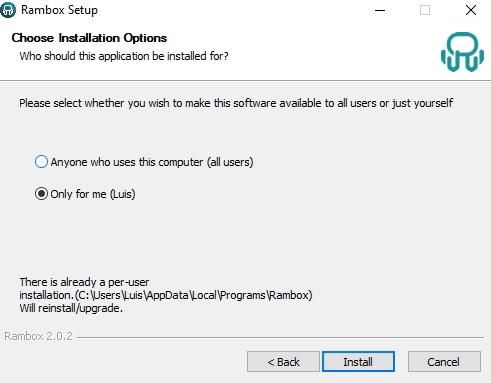
Choose if you want to make this software available for all users or just for you. Then click "Install".
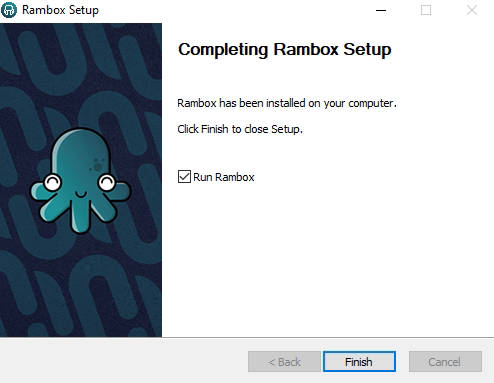
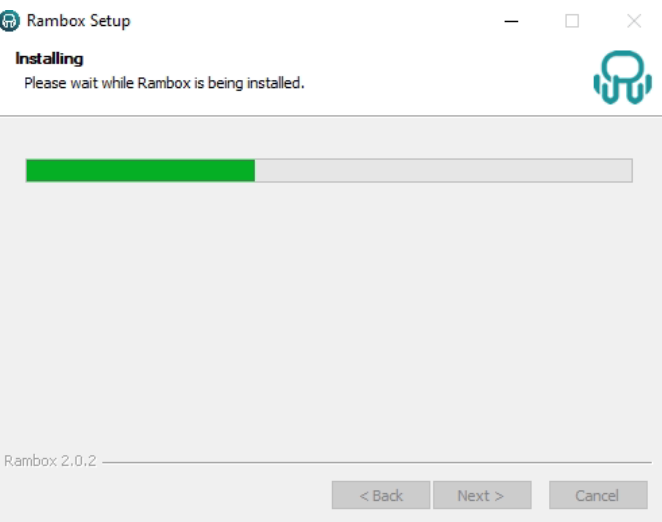
Wait until the installation is complete.
Select "Finish".