
Install Rambox on Linux
Learn how to install Rambox on Linux
REQUIREMENTS
Ubuntu 22.04+, Fedora 38+, openSUSE Leap 15.5+ / Tumbleweed, and Debian 12+ (glibc >= 2.28).
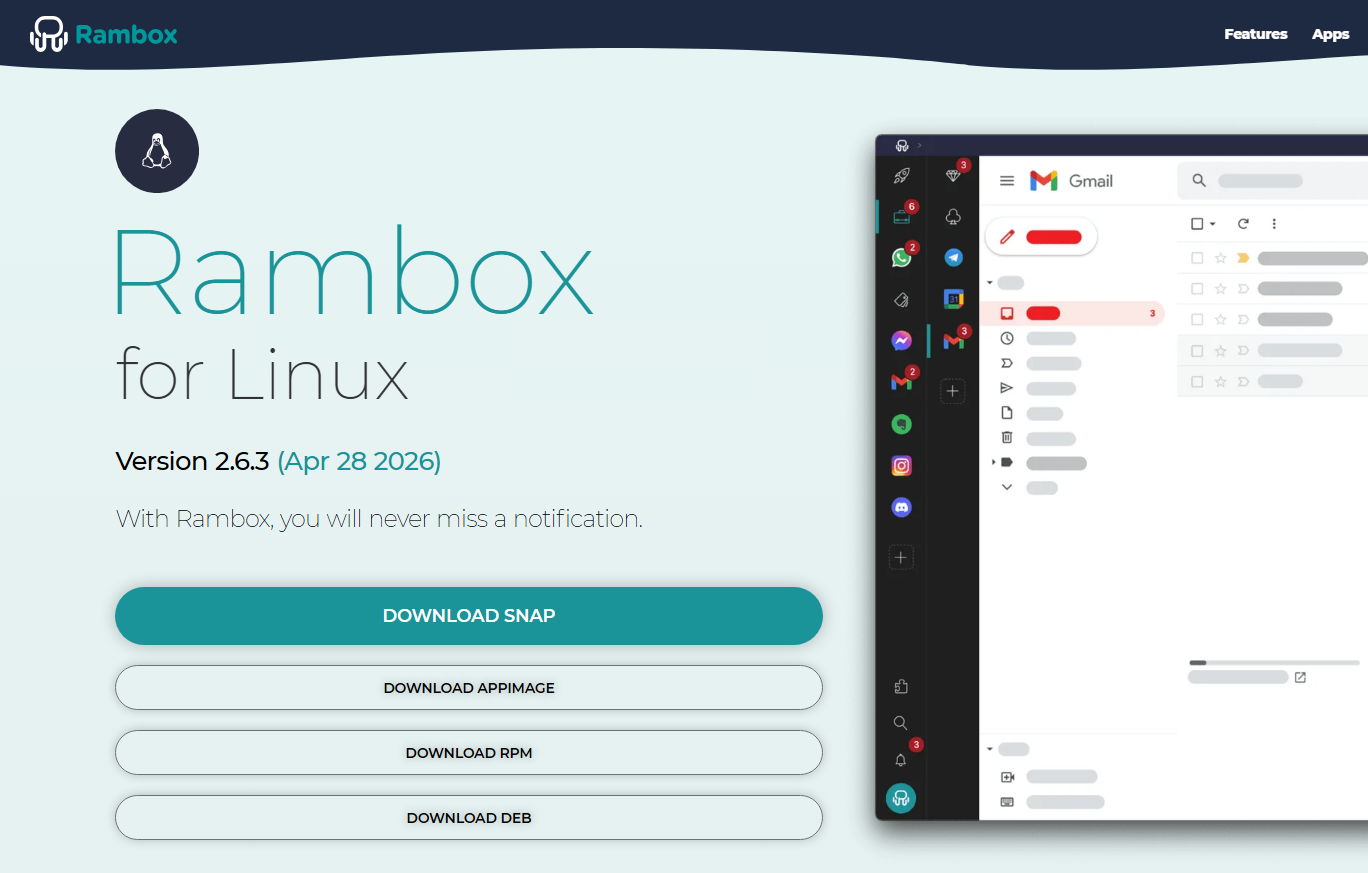
SNAP package
Recommended for most distros.
Option A: Snap Store
Search for "Rambox" in your Snap Store or Software Manager.
Click Install and manage permissions (Camera, Audio, etc.) in the settings.
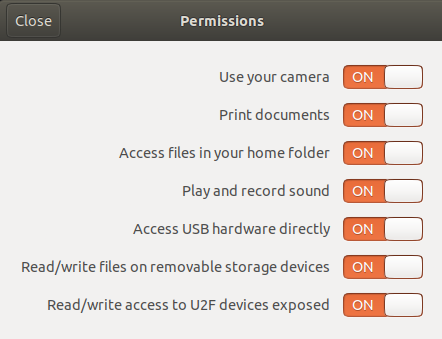
Or use the command line:
bashsnap connect rambox:raw-usb snap connect rambox:u2f-devices snap connect rambox:camera snap connect rambox:audio-record snap connect rambox:removable-media snap connect rambox:cups-control
Option B: Command line
sudo snap install ramboxOption C: Local .snap file
Go to https://rambox.app/download/linux and download the snap file for Linux.
Then open a Terminal in the folder that contains the downloaded file.
Type:
bashsudo snap install ./Rambox-*-linux-amd64.snap --dangerous(* stands for the Rambox version of the downloaded file).
Note: The --dangerous flag is required only for local files because they are not being verified directly by the Snap Store.
Optionally, allow the accesses mentioned in Option A.
To uninstall:
sudo snap remove ramboxDebian / Ubuntu (.deb)
For Debian-based systems like Ubuntu, Linux Mint, or Pop!_OS.
Download the latest .deb file from https://rambox.app/download/linux.
Install it via command line to ensure all dependencies are met:
bashsudo dpkg -i Rambox-*-linux-amd64.deb sudo apt-get install -f
To uninstall:
sudo apt-get purge ramboxFedora / RHEL / SUSE (.rpm)
For Fedora/RHEL:
sudo dnf install ./Rambox-*-linux-x64.rpmFor SUSE:
sudo zypper install ./Rambox-*-linux-x64.rpmAppImage
Make the file executable:
bashchmod +x Rambox-*.AppImageRun it directly:
bash./Rambox-*.AppImage --no-sandbox
To uninstall:
Simply delete the Rambox file and the ~/.config/Rambox folder.
Flatpak
flatpak install ./Rambox-*-linux-x86_64.flatpak
flatpak run com.rambox.app
Tar.gz
Extract the content:
bashtar -xzf Rambox-*-linux-x64.tar.gzMove to the recommended directory:
bashsudo mv Rambox-folder /opt/RamboxRun:
bash/opt/Rambox/rambox --no-sandbox