
How to customize apps using Stylish?
Apply Stylish themes to the apps you use inside Rambox.
One of the features Rambox offers is the possibility to use Stylish on the apps.
To apply a Stylish theme, you need to:
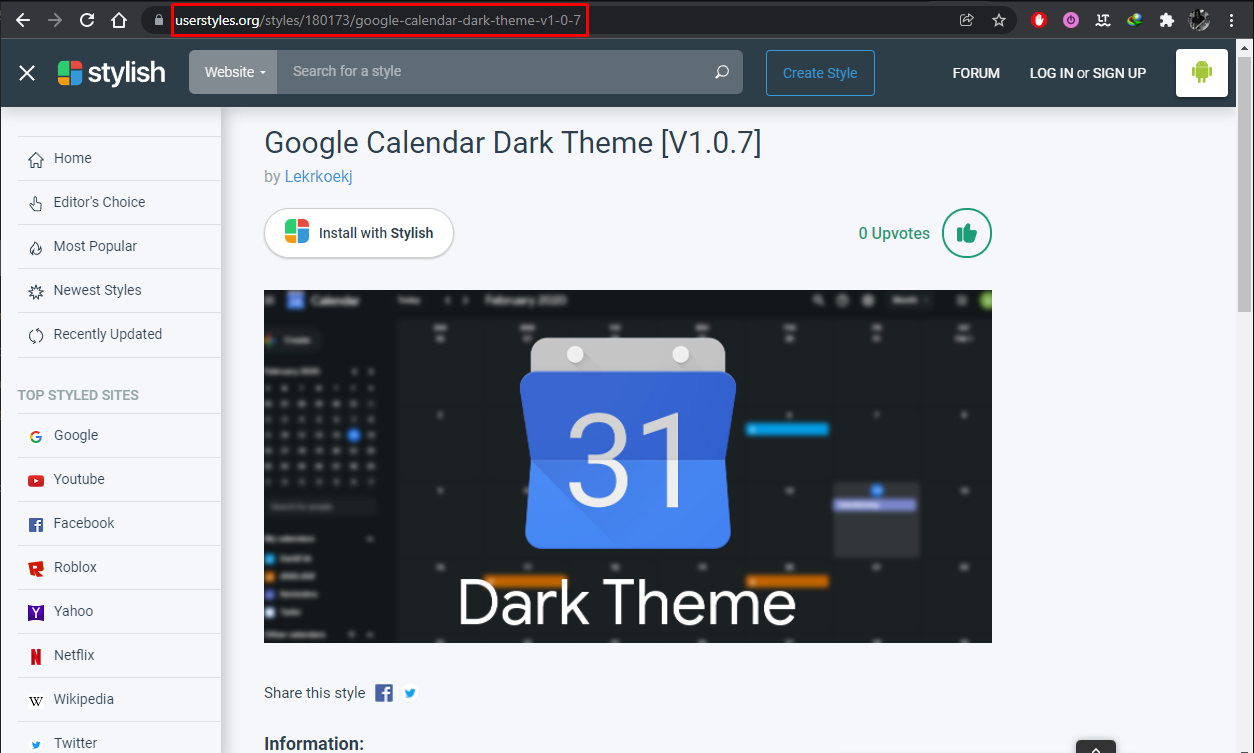
First navigate to the Stylish website and search for the theme you want to use for the app.
Copy the URL of the theme:
Now go to the app settings and paste it in the Stylish URL field:
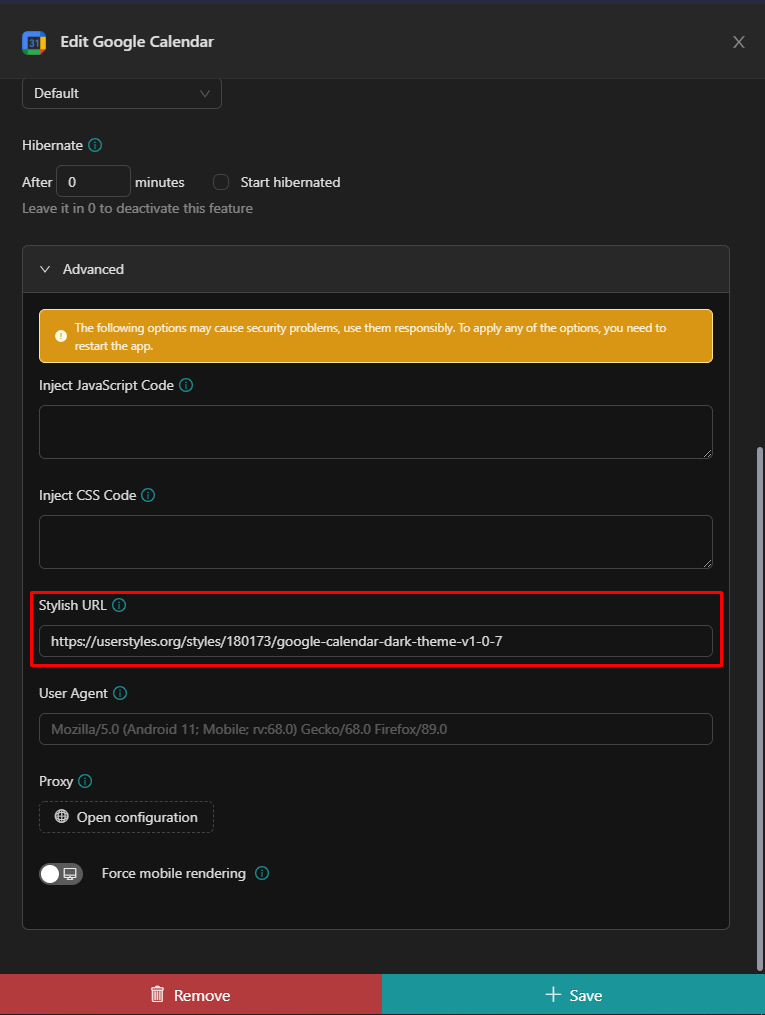
Click Save and Rambox will ask you to reload the app to apply the theme.
Enjoy!