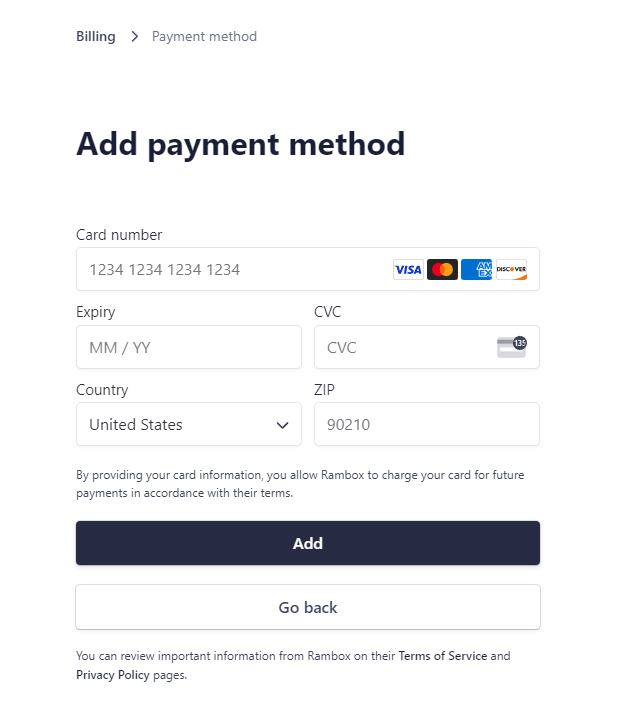
Billing section, payments information
Manage your subscription, payment method and invoices from the Billing section.
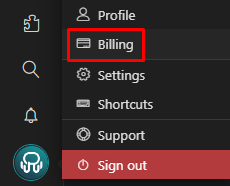
Click on your profile picture at the bottom left. Then select "Billing".
A drawer will open at the right of the screen, and you will see the features of our Basic and Pro plans.
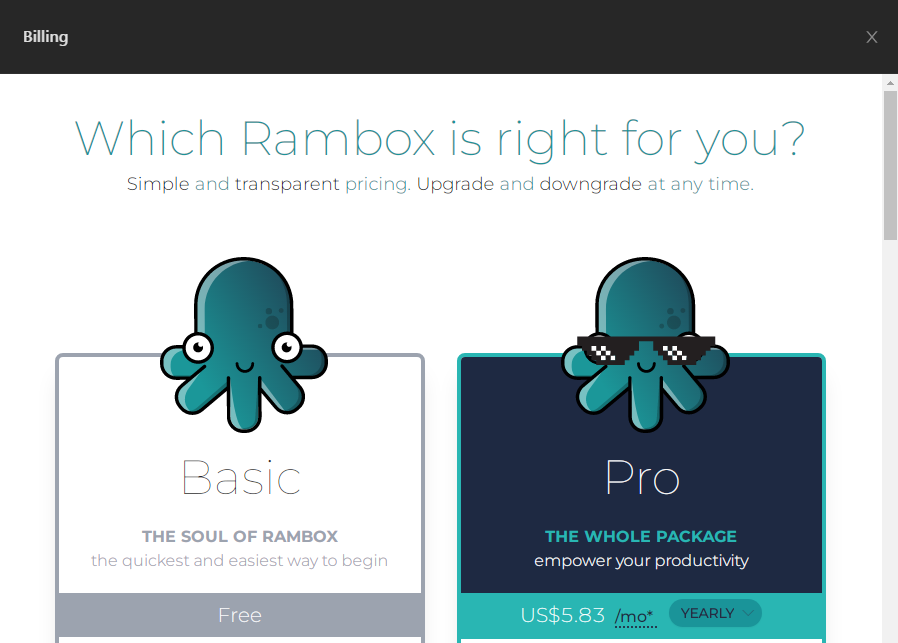
(You can also access the Billing Portal by visiting https://billing.rambox.app)
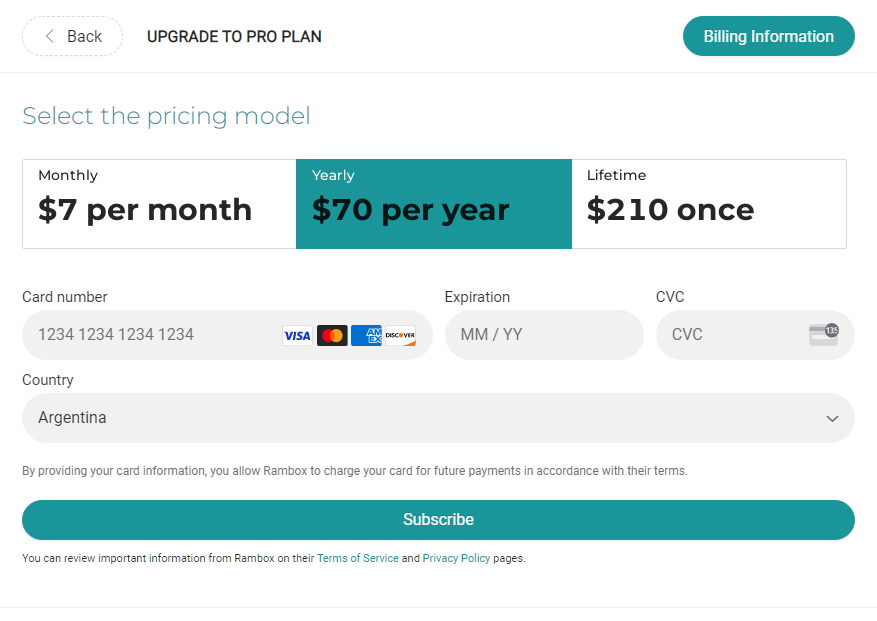
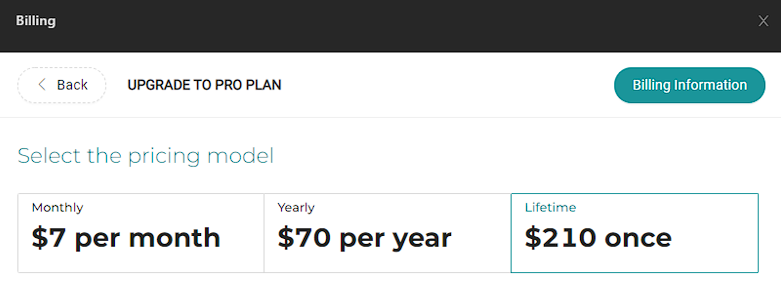
Subscribe to (Monthly, Yearly, or Lifetime):
By clicking on the "Upgrade Now" option, you will be able to select your desired subscription. You can switch your plan from Yearly to Monthly and vice-versa. If you pay a Lifetime plan, you cannot go back to other plans (also, you are awesome!). You will be required to enter data of a valid payment method (if it's the first time you acquire a license).
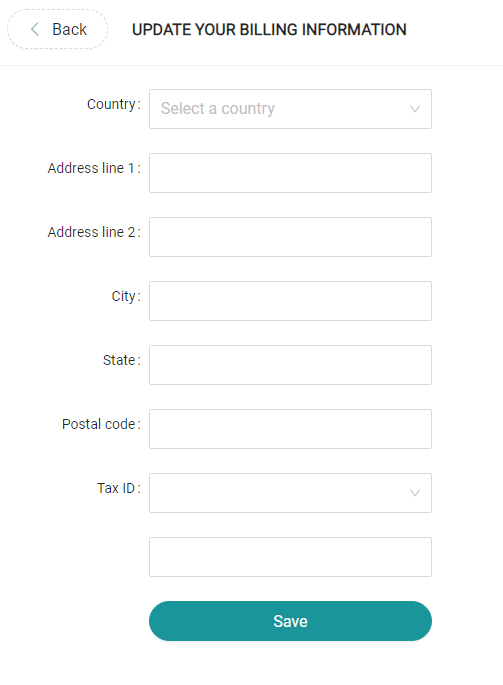
Billing information
On the main page of the billing portal, you can see your current billing information. You can easily change this data by clicking on "Billing Information". This information will be used to generate your invoices so, if you need it to be changed, be aware that it must be changed before the invoice is generated.
Payment Methods
You can add a new payment method to your user by clicking on "+ Add payment method" in the billing portal.