Install Rambox on macOS
Learn how to install Rambox on macOS
REQUIREMENTS
macOS 12 (Monterey) or newer, supporting both Apple Silicon and Intel.
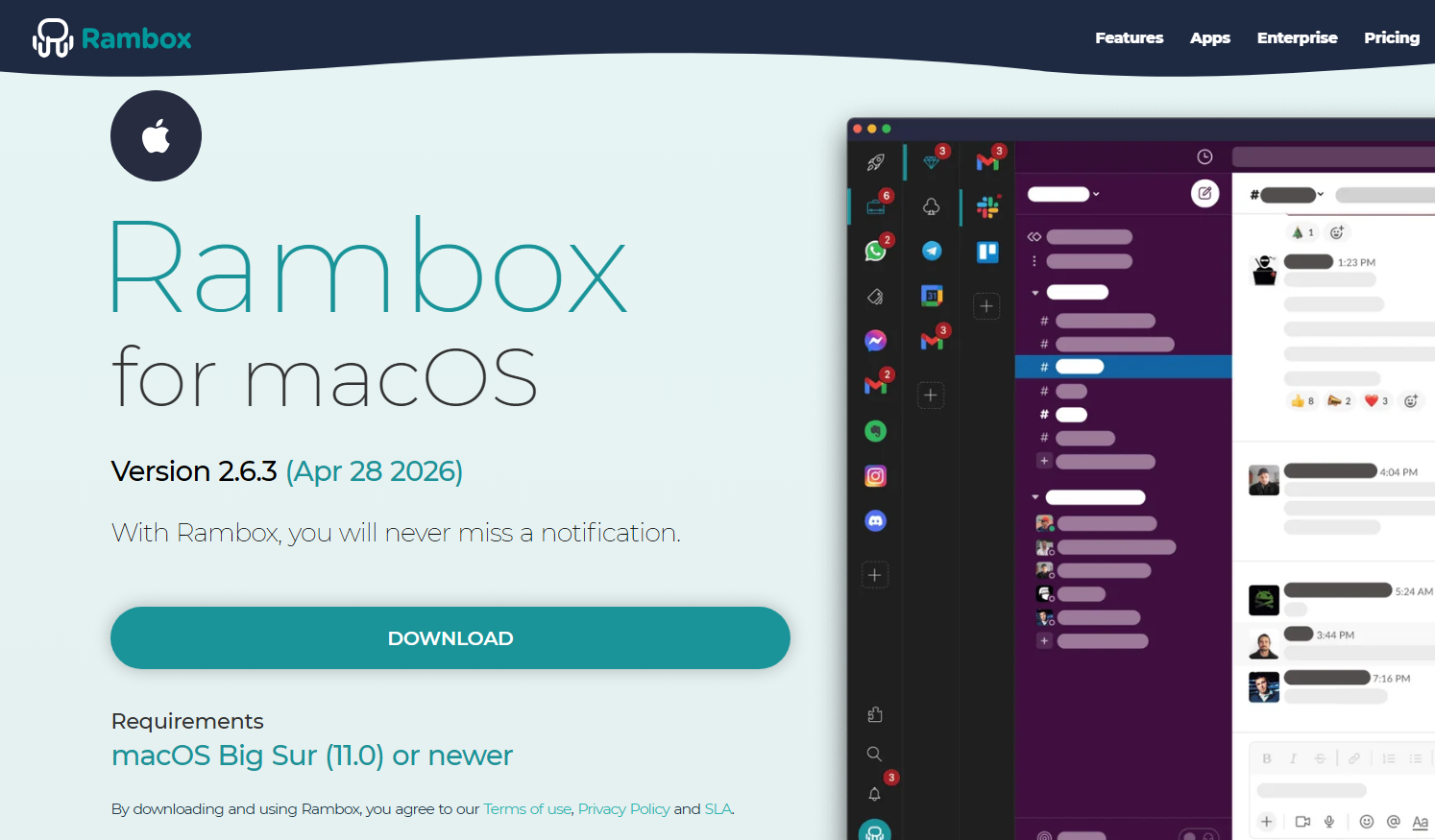
Go to https://rambox.app/download/macos and download the application.
Choose to open the Rambox.dmg file and press "OK".
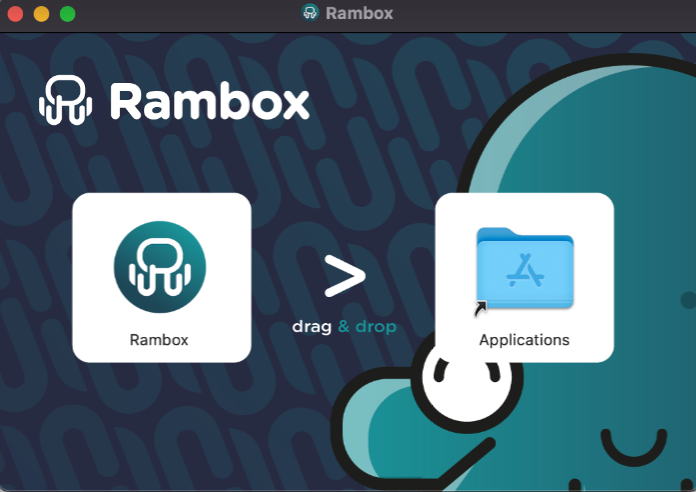
Drag the Rambox logo and drop it over the Applications folder in the pop-up window.