
How to redeem a coupon?
Redeem a Rambox coupon from the Billing Portal or from the desktop app.
If you have a coupon for Rambox, you can redeem it in our Billing Portal.
You can access it by heading to https://billing.rambox.app/ on your web browser, or in our desktop app through these steps:
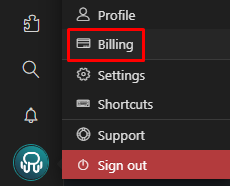
-Click on your profile picture and select "Billing".
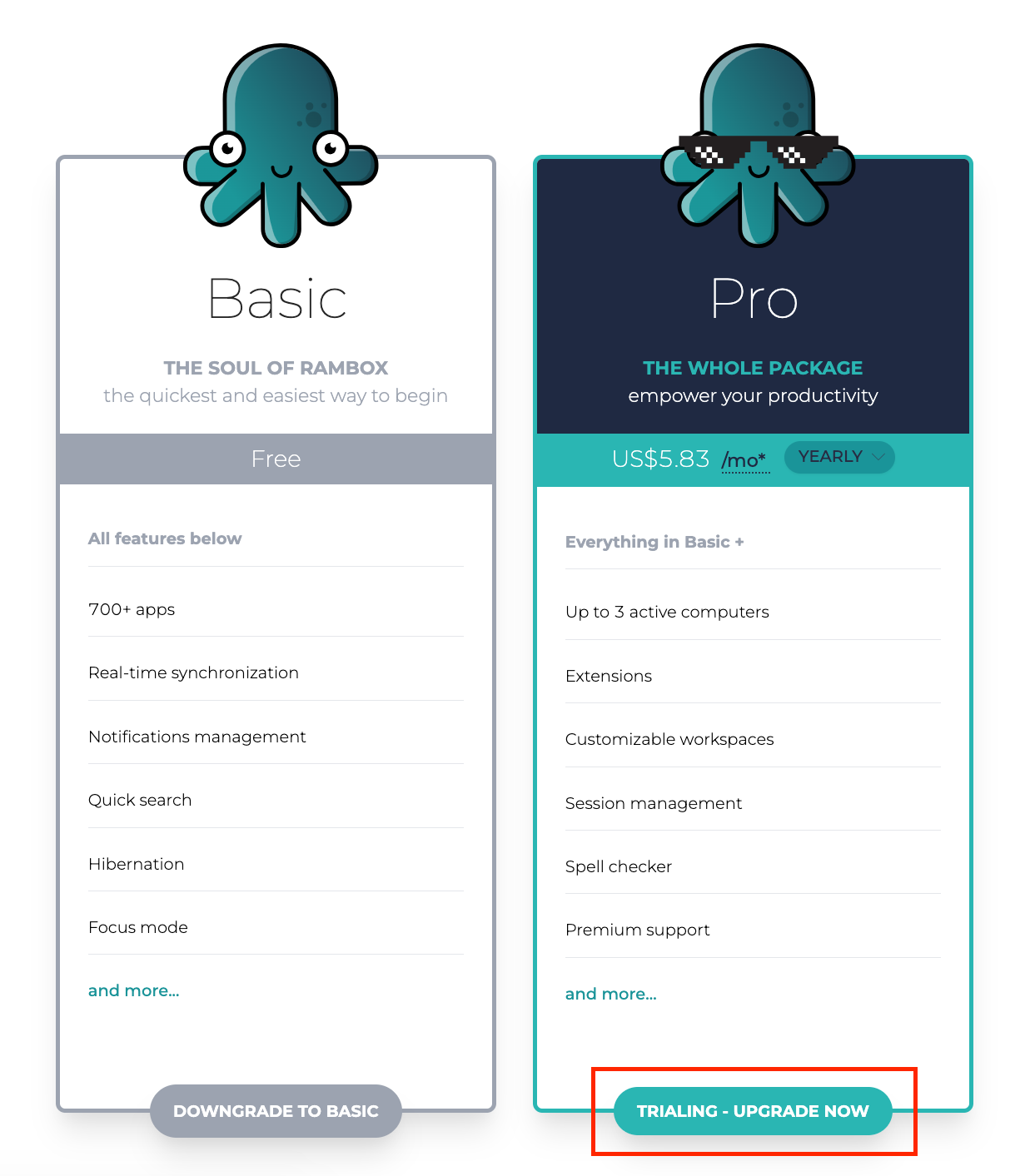
-A drawer will open at the right of the screen, and you will see the features of our Basic and Pro plans. Select the "Upgrade now" option.
-Complete your billing information and you will see the following option to introduce your Coupon Code.
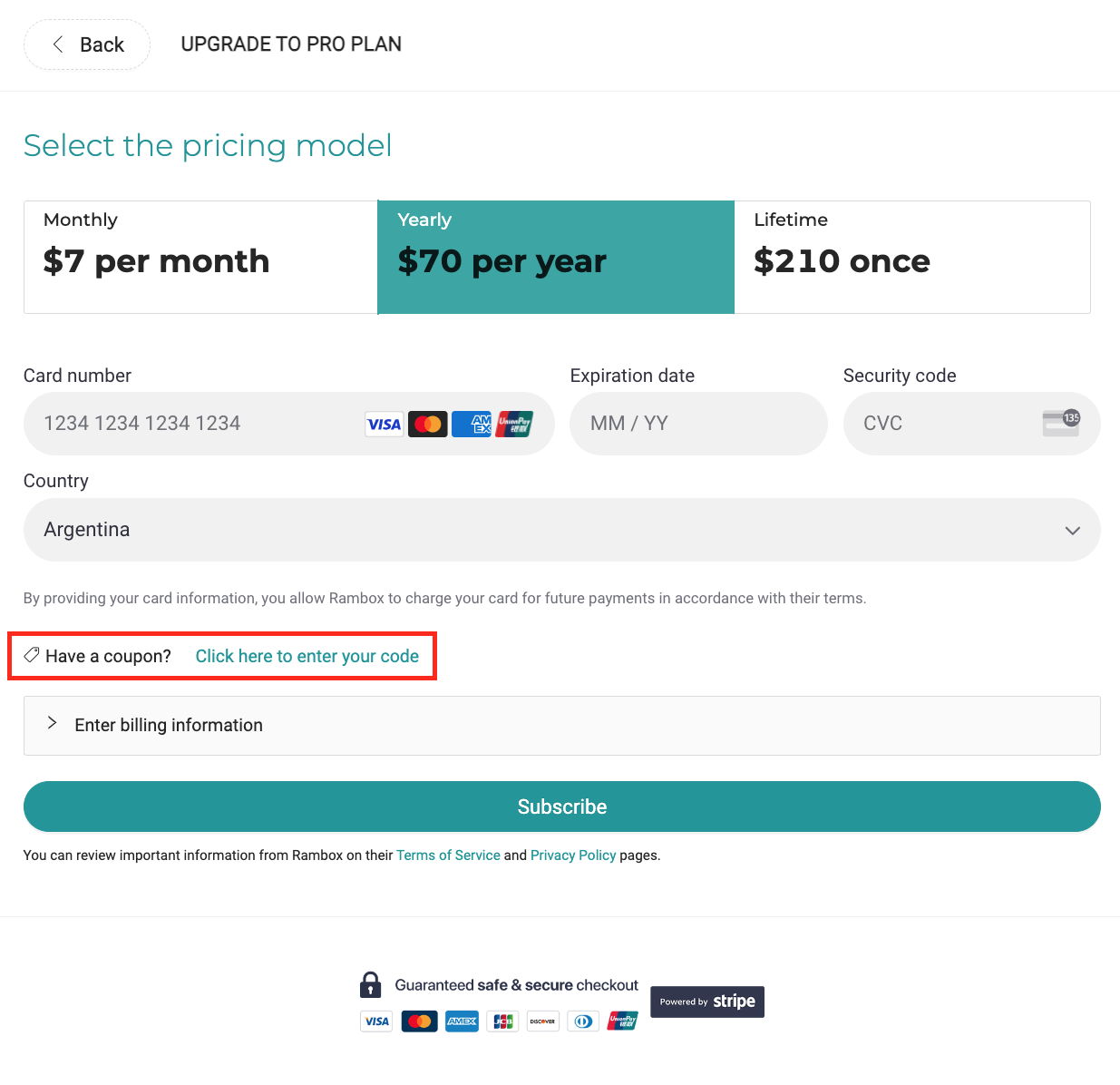
-Enter your Coupon Code in this text field.
