Tabs reordering
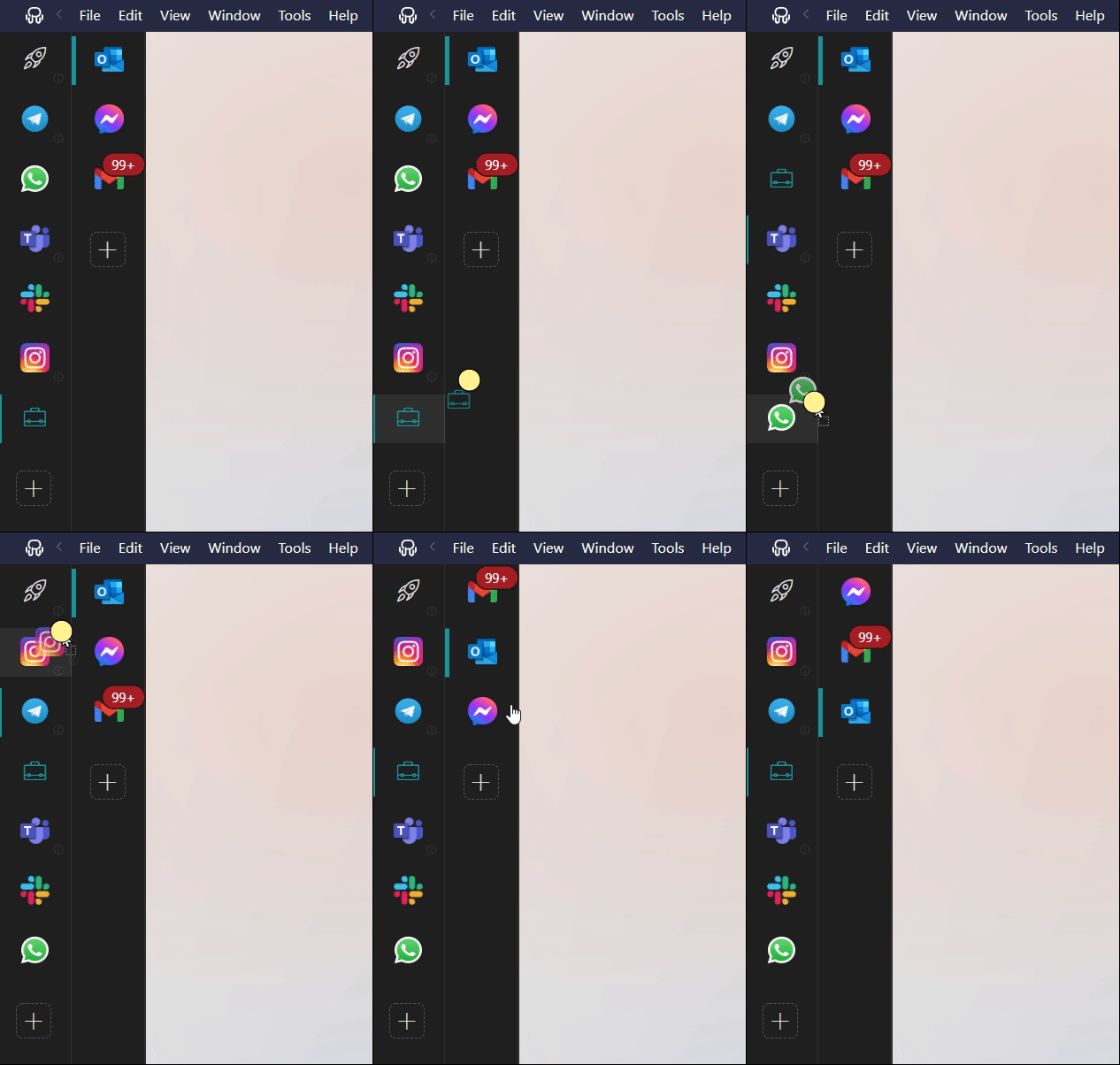
Reorder your apps and workspaces by dragging and dropping their tabs.
You can reorder your apps or workspaces in the tab bar by dragging & dropping them. The new order will be synchronized between your devices. Take into account that, in order to prevent accidental sorting, there is a slight delay before you can move and reorder your apps and workspaces. Therefore, you'll have to hold the item pressed a bit before the drag and drop takes place.
Note:
If you want to move apps to a different workspace, please refer to the following article: How to move Apps to a Workspace?
Troubleshooting:
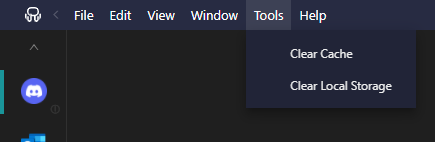
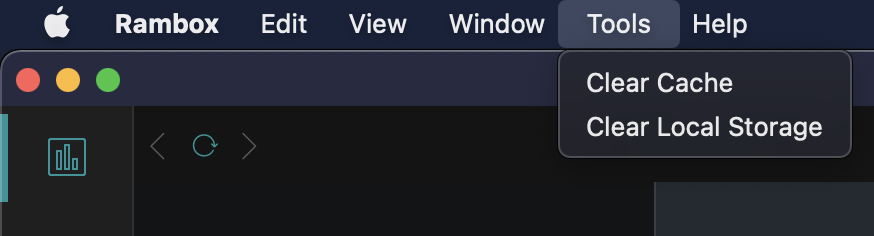
If you are following these steps and the drag & drop function doesn't work, please, try doing a Clear Cache and restarting Rambox.