
How to change your Pro Plan?
Switch between the Rambox Pro plans or change your billing period.
If you are already a Pro and want to change your subscription, you can do it by following these steps:
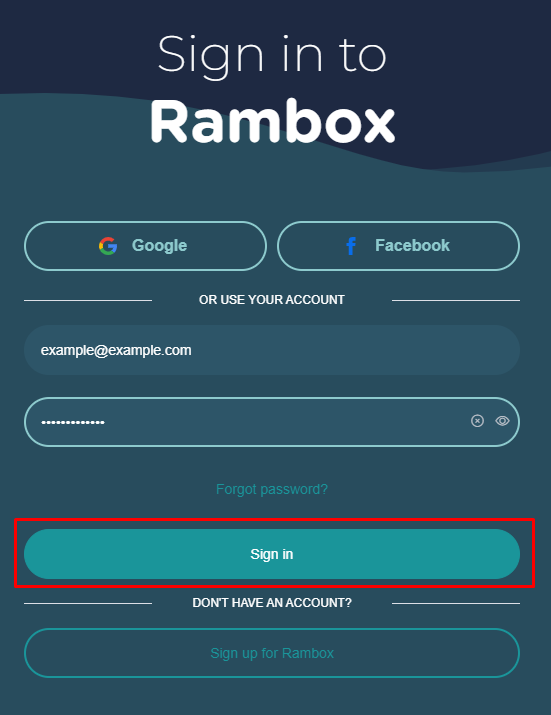
Sign in to your account.
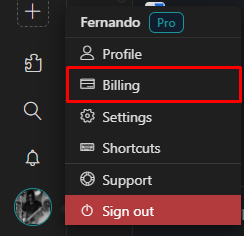
Click on the user's icon in the lower left-hand corner and press "Billing".
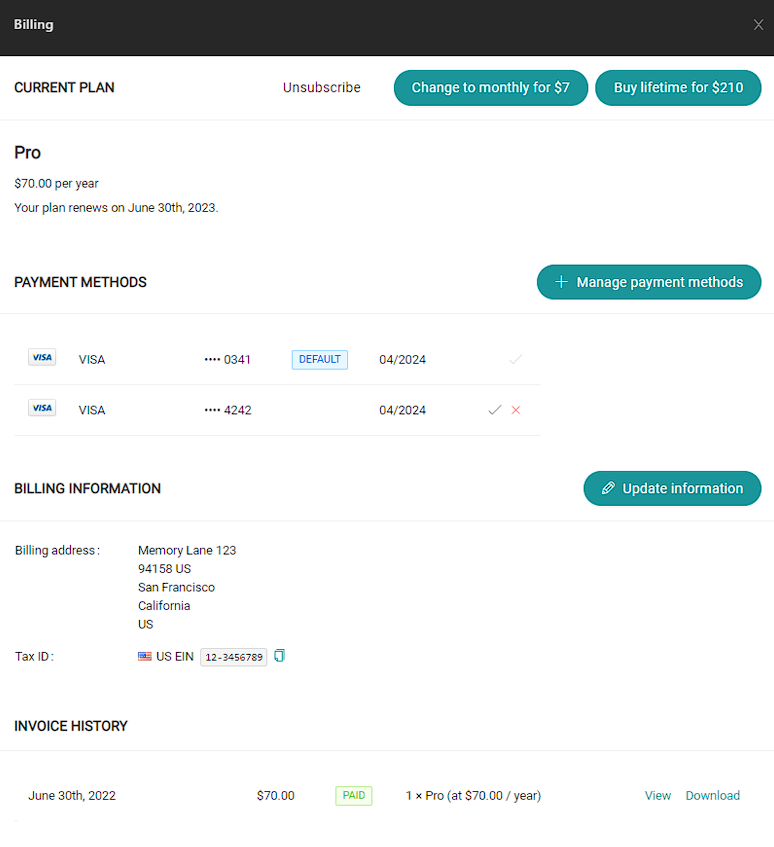
On the right hand side, the Billing Dashboard will be displayed with information about your current plan.
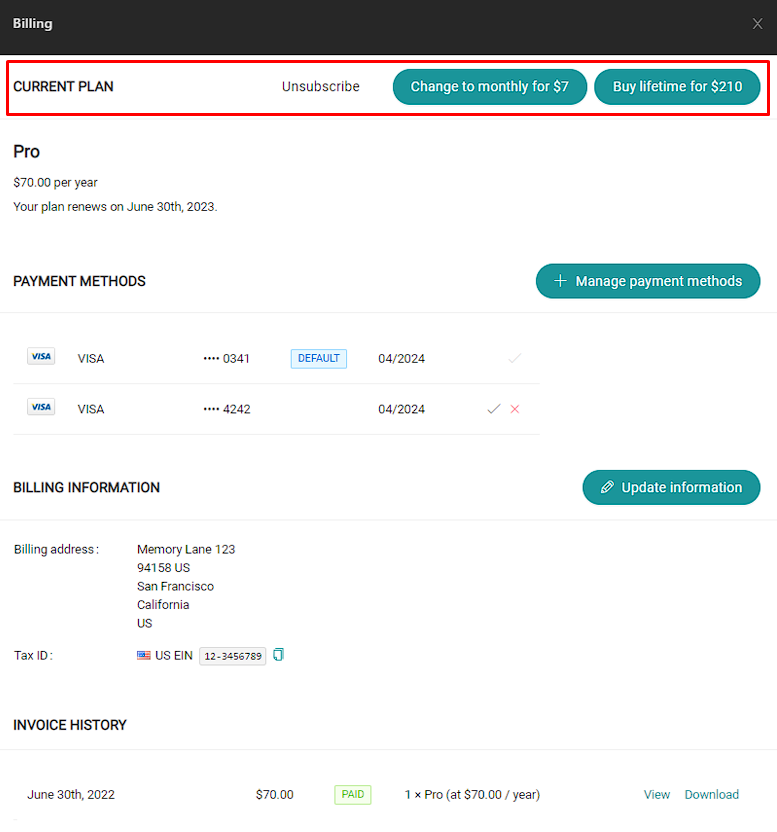
At the top, in the current plan section, select the plan that you want to change to.
A pop-up will be shown asking you to confirm the plan change by clicking on "Switch for...".
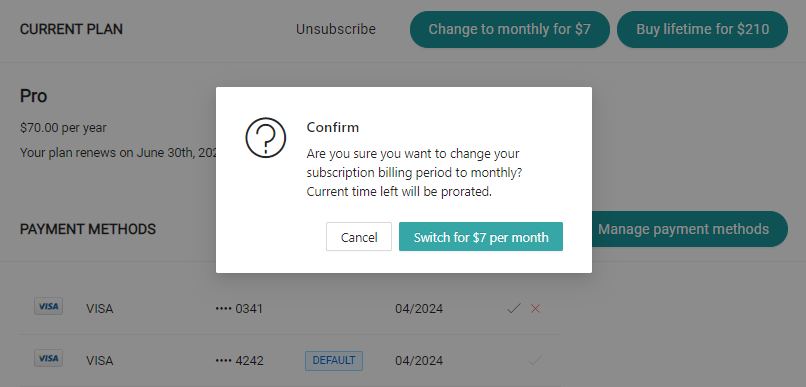
Once we confirm the change, our billing information in the dashboard will be automatically updated with the new plan.
¡That's all. You have already changed your Pro plan successfully!