How to become Pro?
Upgrade your Rambox account to a Pro plan.
Looking to become a Pro member? By following the next steps, you will be able to unlock all the amazing features that Rambox has for you. Come on and join us!
Sign in to your account.

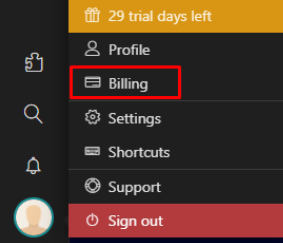
Click on the user's icon located in the lower left-hand corner and press "Billing".
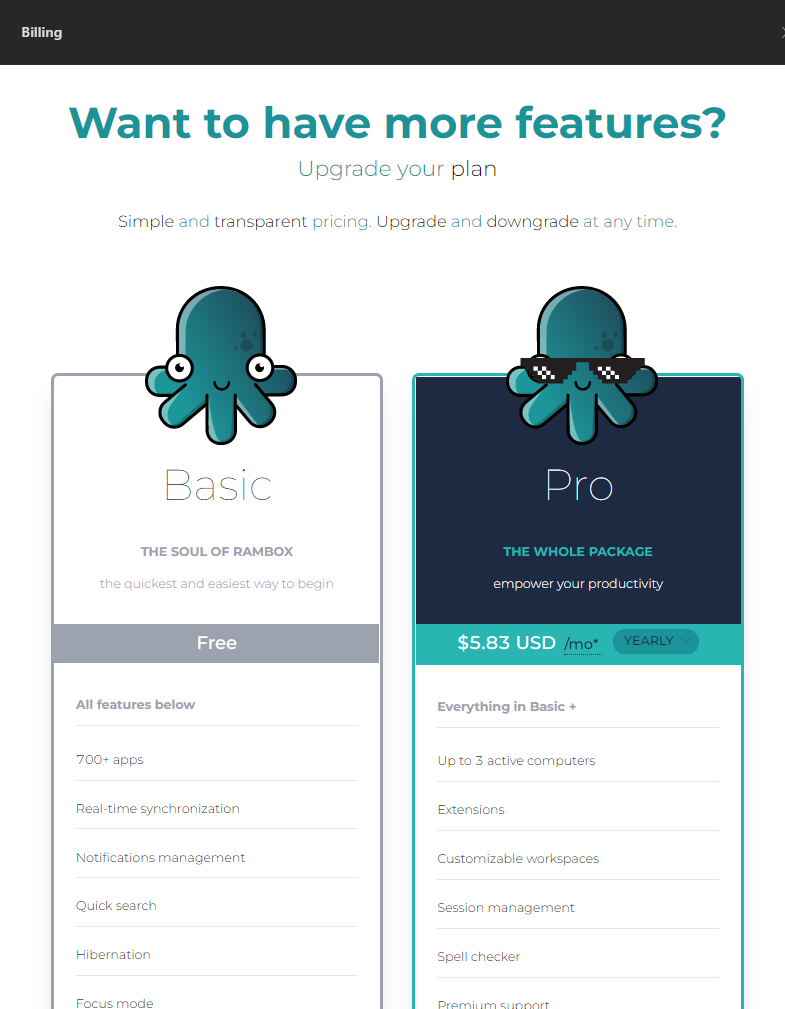
On the right hand side, the Billing Dashboard will be displayed. Scroll down and click on the "TRY IT NOW" option at the bottom of the "Pro Plan" card.
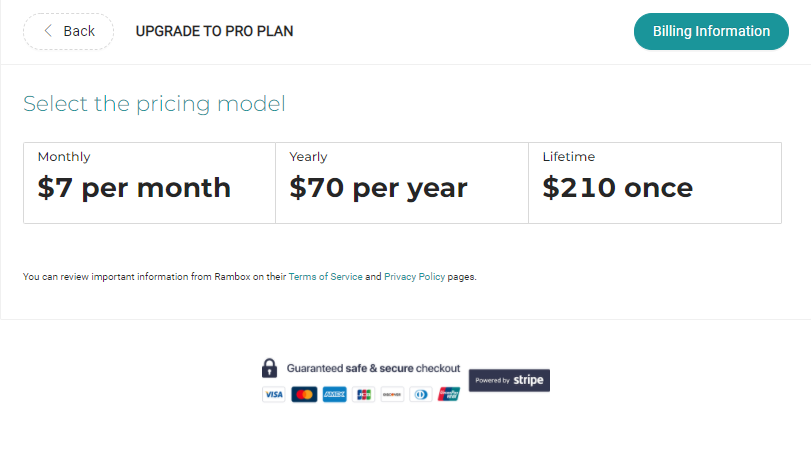
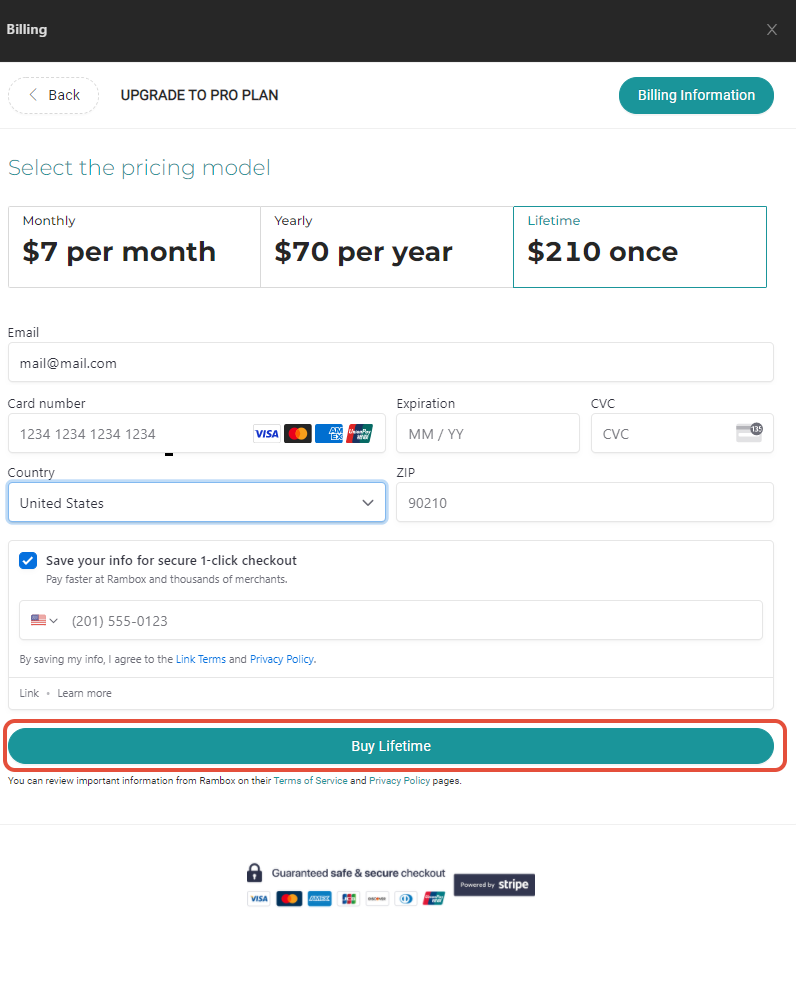
Select the plan of your preference and complete all the requested fields.
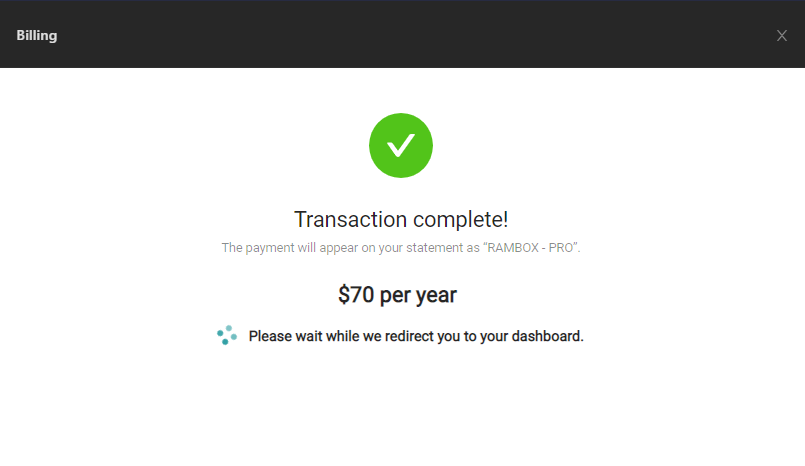
Click on "Subscribe" and wait until your dashboard completely loads.
That's all! You have successfully become a Pro.