
License validation failed?
What the license validation banners mean, why Rambox may limit your Pro features or sign you out, and how to validate your license again.
While you use Rambox, your license is checked with our servers in the background. If that check can't be completed, a banner appears at the top of the window with a countdown. Which banner you see depends on whether you're offline or online.
Likely causes
- No internet connection, or an unstable one.
- A proxy, VPN, firewall or antivirus blocking Rambox from reaching our servers.
- A temporary problem on our servers. Check status.rambox.app.
The banners and what they mean
"Can't reach Rambox" (you're offline)
Can't reach Rambox with a Signed out in: countdown means Rambox has no connection to our servers. You can keep working with your current plan for up to 48 hours. If the license isn't validated before the countdown ends, you're signed out.
Full details: Offline mode.
"Something went wrong while validating your license" (you're online)
This banner appears on Pro when Rambox is connected but couldn't confirm your license for a while. It shows a Limited functionality in: countdown.
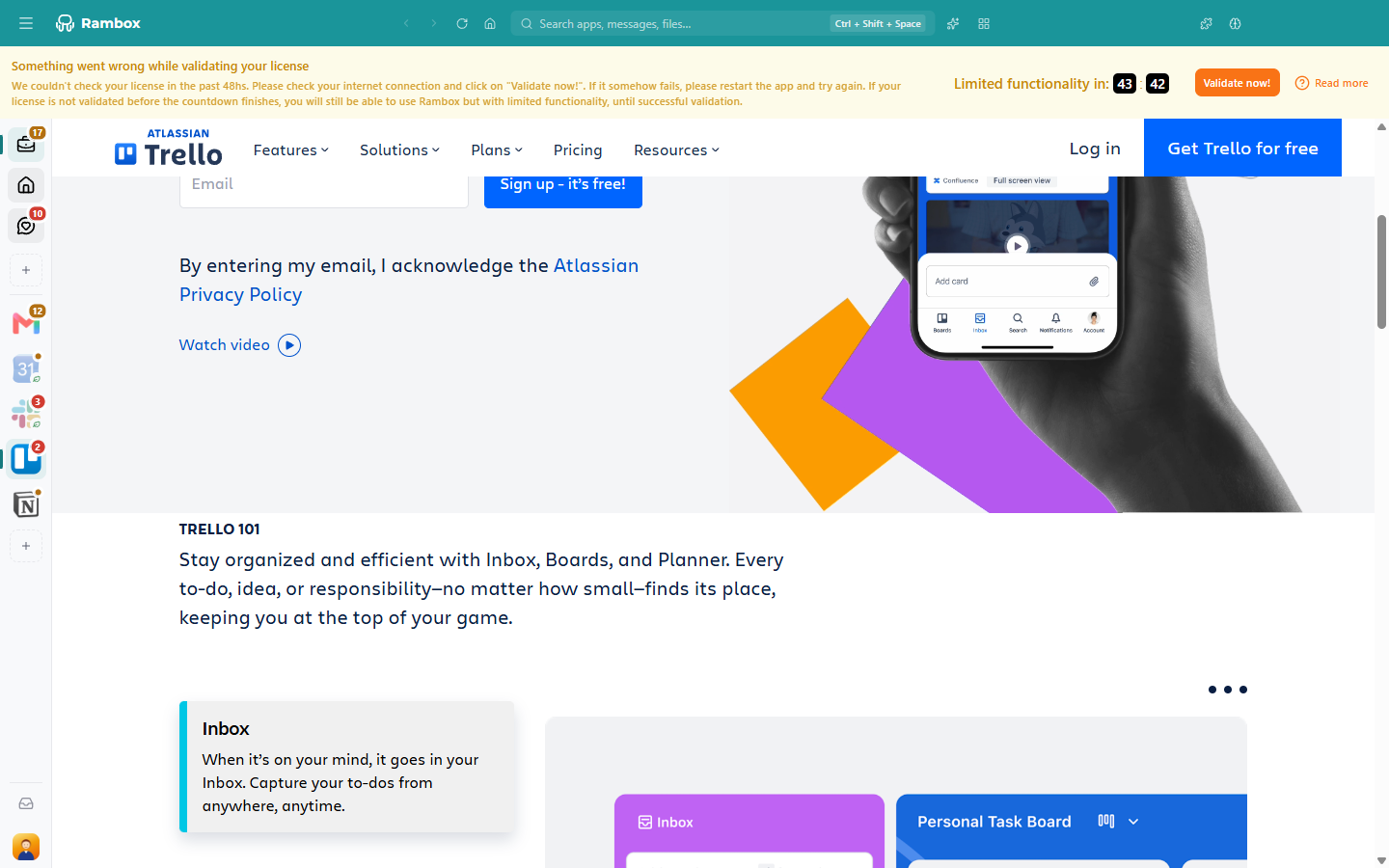
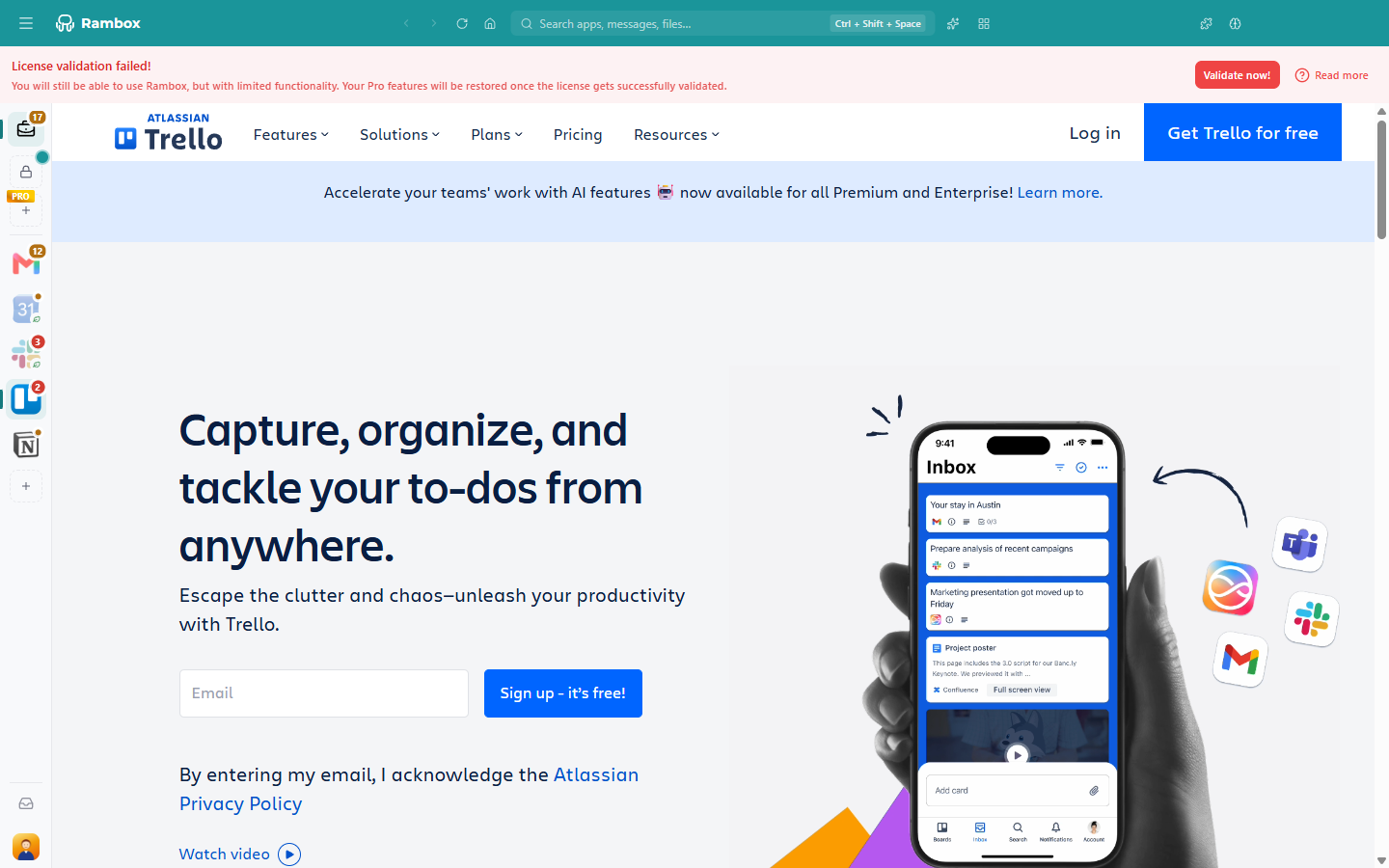
If the license still can't be validated when the countdown ends, the banner changes to License validation failed!: you can keep using Rambox, but with limited functionality (Pro features are paused, as on the Basic plan). Nothing is deleted. Your Pro features come back as soon as the license is validated.
"Something went wrong" (Basic plan)
On the Basic plan the banner says Something went wrong and offers Get them now!. That's about downloading Rambox's configuration, not about a license. See Internet connection to get the latest configurations?
How to fix it
- Check your internet connection. Open a website in your browser.
- Click Validate now! in the banner. When it works, you see The license was successfully validated. and the banner disappears.
- If it says Couldn't reach Rambox. Check your internet connection and try again., run Tools → Troubleshooting and follow Connectivity issues. On Windows, the Tools menu is under the Menu button (☰) at the top-left of the window.
- Restart Rambox and click Validate now! again.
- Sign out and sign in again. Click your avatar at the bottom of the sidebar and choose Sign out, then sign in from your browser. See Signing in to Rambox.
WARNING
If you're offline, don't sign out: you can't sign in again until you're back online.
Other messages you may see
- You were kicked out because there is something wrong with your license. Please, try to log in again. Sign in again. If it keeps happening, contact support.
- Enterprise: License Expired — You were kicked out because your license is expired. Please, contact your admin. Your organization's subscription has ended. Ask your Rambox administrator.
- Your Pro subscription renewal failed? See License expired?
Related articles
Still not working? Request support