
Offline mode
What Rambox does when it loses the internet connection, how long you can keep working offline, and why it signs you out after 48 hours.
Rambox needs the internet to load your apps, but it doesn't stop working the moment your connection drops. This article explains what you see while offline and how long Rambox keeps your license active without reaching our servers.
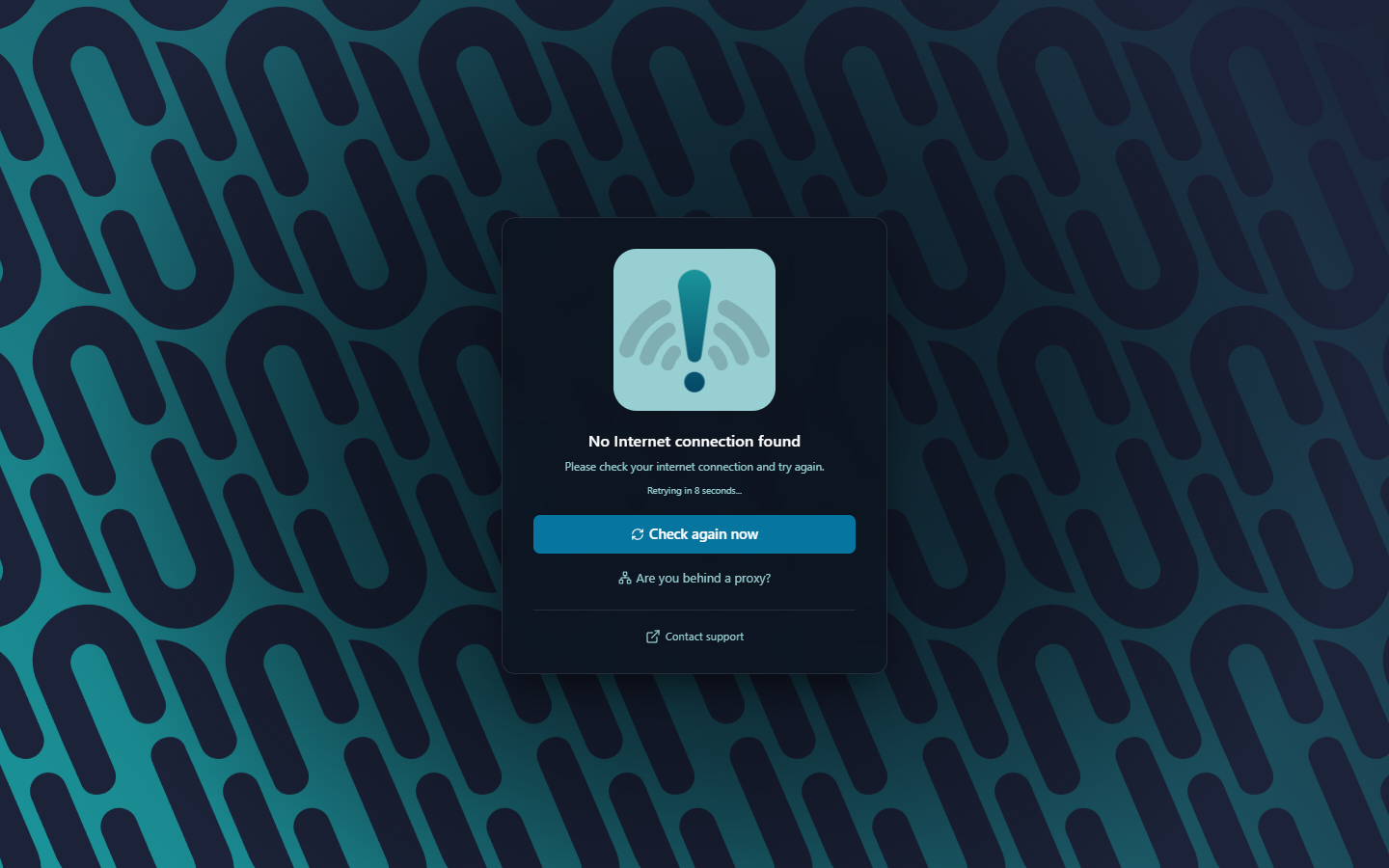
If Rambox starts without internet
When Rambox can't connect at startup, it shows No Internet connection found — Please check your internet connection and try again. It retries by itself (Retrying in … seconds...). You can also:
- Click Check again now to retry right away.
- Click Are you behind a proxy? to set up a proxy if your network needs one.
- Click Contact support if nothing helps.
If you lose the connection while using Rambox
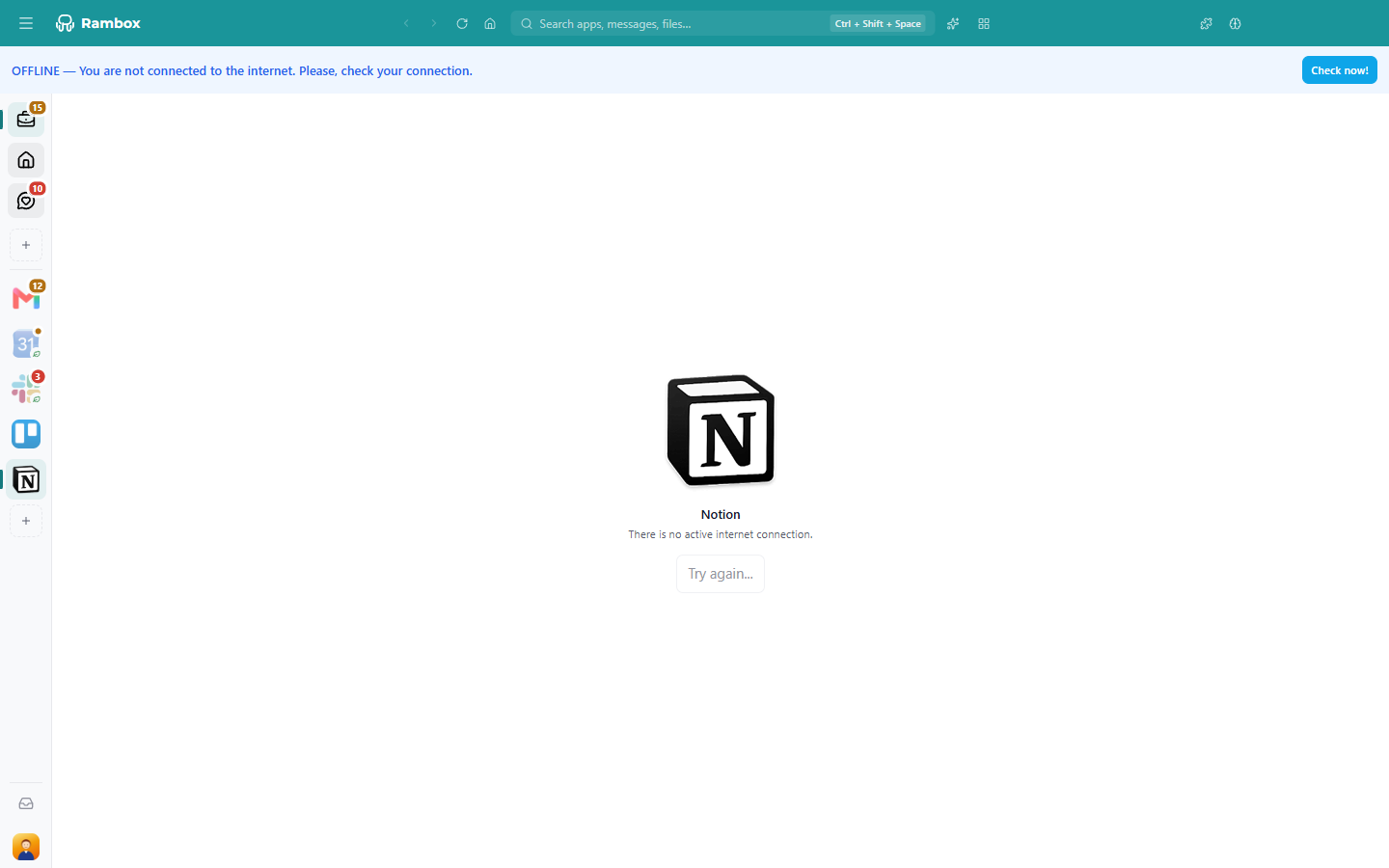
A blue banner appears at the top: OFFLINE — You are not connected to the internet. Please, check your connection. Click Check now! once you're back online.
Apps that try to load while you're offline show the reason, for example There is no active internet connection., with a Try again... button. Click it when the connection returns.
Working offline: the 48-hour license grace
Rambox regularly checks your license with our servers. When it can't reach them, it keeps working with the last license our servers confirmed for up to 48 hours. Your plan (Pro, Basic, Trial or Enterprise) stays the same during that time.
While you're in that grace period, a banner shows Can't reach Rambox with a Signed out in: countdown and a Validate now! button.
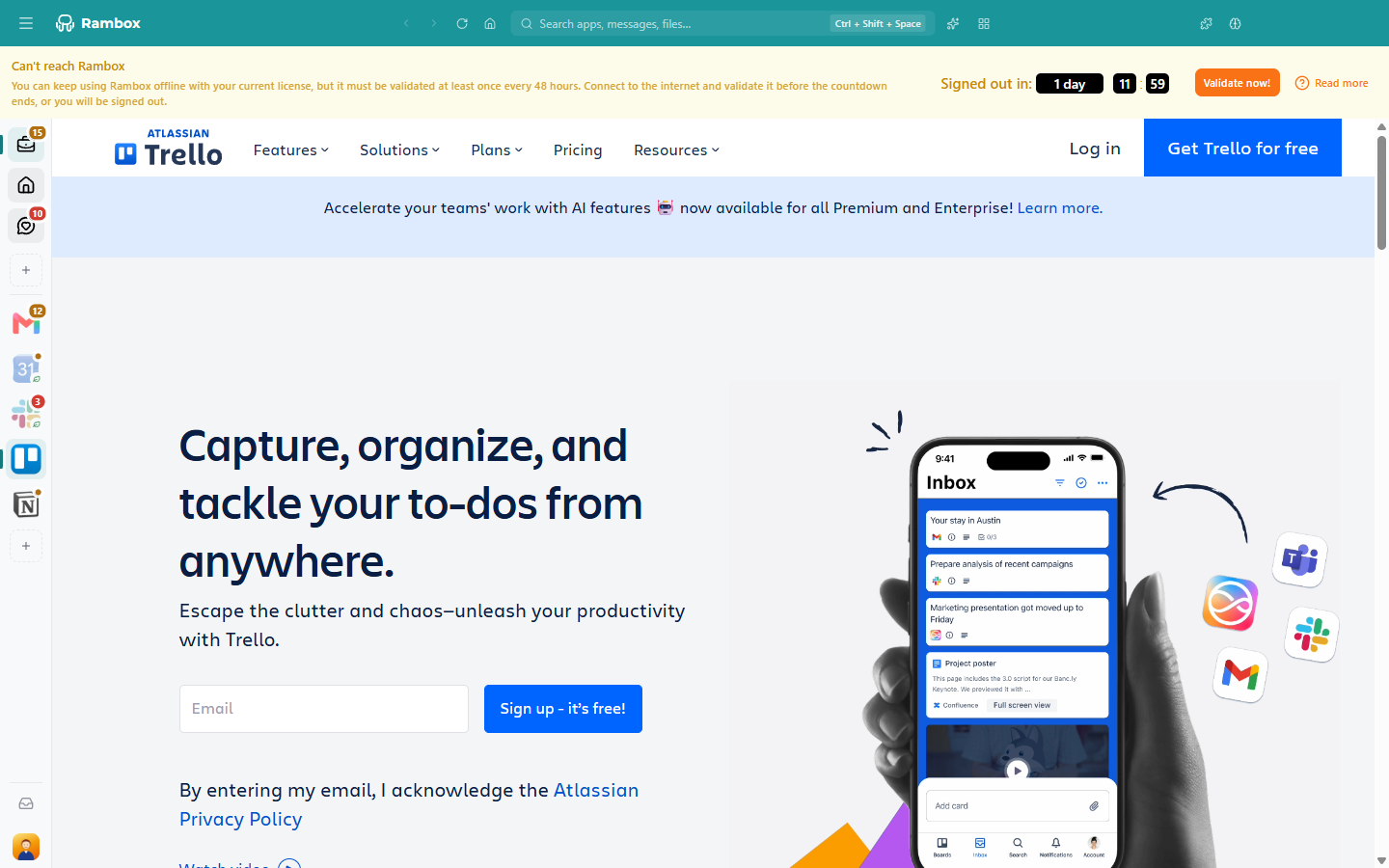
To end the countdown:
- Connect to the internet.
- Click Validate now!. When it works, you see The license was successfully validated. and the banner goes away.
If you see Couldn't reach Rambox. Check your internet connection and try again., Rambox still can't reach our servers. Follow Connectivity issues.
What happens when the countdown ends
If Rambox can't validate your license before the countdown reaches zero, you are signed out (personal and Enterprise accounts alike). You see the message License Validation: It has been 48hs without internet connection, please re-connect in order to validate your license. Connect to the internet and sign in again.
Your apps, workspaces and settings are saved in your account, so they come back when you sign in.
Things that end the grace early
The offline grace is tied to your account and to this computer. It ends, and you need to be online to keep using Rambox, if:
- You sign out of Rambox. You can't sign in again without an internet connection.
- You move your computer's clock back.
- You copy your Rambox data to another computer.
TIP
Going on a trip without internet? Open Rambox while you're still online so the license is validated right before you leave. That gives you the full 48 hours.
Related articles
Still not working? Request support