
Internet connection to get the latest configurations?
Why Rambox asks you to get its latest configurations or shows "Restricted mode", and how to fix the connection so it can download them.
Rambox downloads a set of configurations from our servers (for example, how each app in the catalog should load). If it can't download them, you may see one of these banners:
- Something went wrong — Please be sure you have internet connection to get the latest configurations of Rambox that are required to run properly. with a Get them now! button and a countdown.
- RESTRICTED MODE: You had some issues getting configurations. Please, restart Rambox to fix this issue. with a Troubleshooting button and a Restart button.
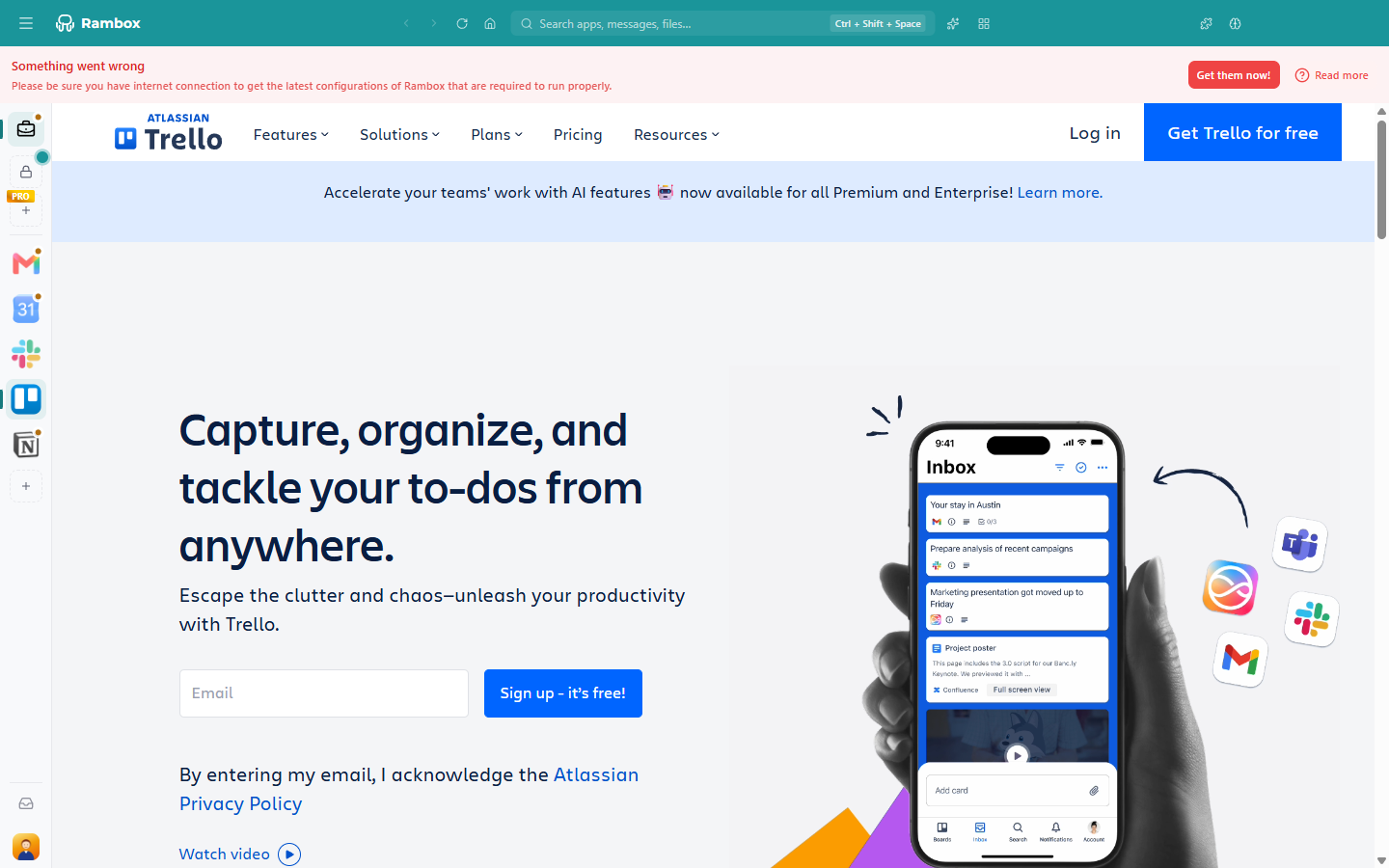
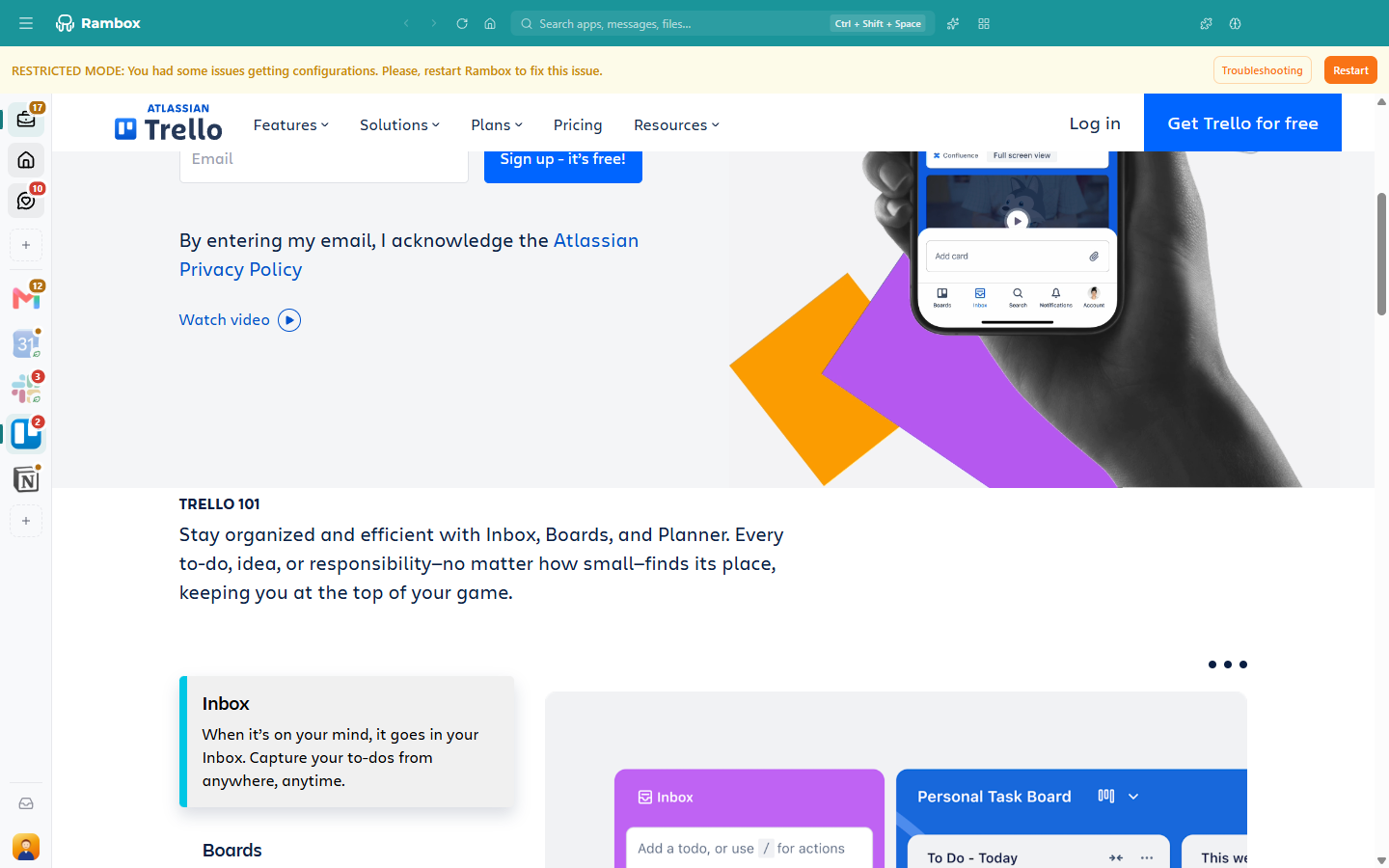
In restricted mode Rambox keeps working with the configurations that come built in, so some apps may not behave as expected until it gets the latest ones.
Likely causes
- No internet connection, or an unstable one.
- A proxy, VPN, firewall or antivirus is blocking Rambox from reaching our servers.
- A temporary problem on our side. Check status.rambox.app.
How to fix it
Check your internet connection. Open a website in your browser.
Click Get them now! in the banner. When it works, you see Configurations were successfully downloaded.
If you see the RESTRICTED MODE banner, click Restart in the banner, or quit Rambox (Windows and Linux: Ctrl+Q; macOS: ⌘+Q) and open it again.
Test our servers from your browser. Open these addresses:
- https://api.rambox.app/health
- https://auth.rambox.app
- https://storage.googleapis.com/rambox-d1326.appspot.com/test.json
If they don't load, your network is blocking them. If you're behind a proxy or VPN, ask your IT team to allow them.
Run the Troubleshooting tool. Open Tools → Troubleshooting and click Test all. Remote settings #1 and Remote settings #2 are the rows that check the configuration download. On Windows, the Tools menu is under the Menu button (☰) at the top-left of the window. See Troubleshooting tool.
Set up your proxy in Rambox if your network uses one: Settings → Advanced → Proxy → Open configuration. See Connectivity issues.
Related articles
Still not working? Request support