
How to log in to my Enterprise account
Sign in to the Rambox app and the console with your company ID, find a forgotten company ID, and fix common sign-in errors.
Enterprise members sign in through their company's own sign-in page. To reach it, you need your company ID: the short name your organization chose when it was created, for example acme (as in acme.rambox.app). If you don't know it, ask your administrator or use Forgot your company ID? (see below).
Sign in to the Rambox app
- Open Rambox. On the Sign in screen, click Continue with your browser. The app shows "Waiting for sign-in…".
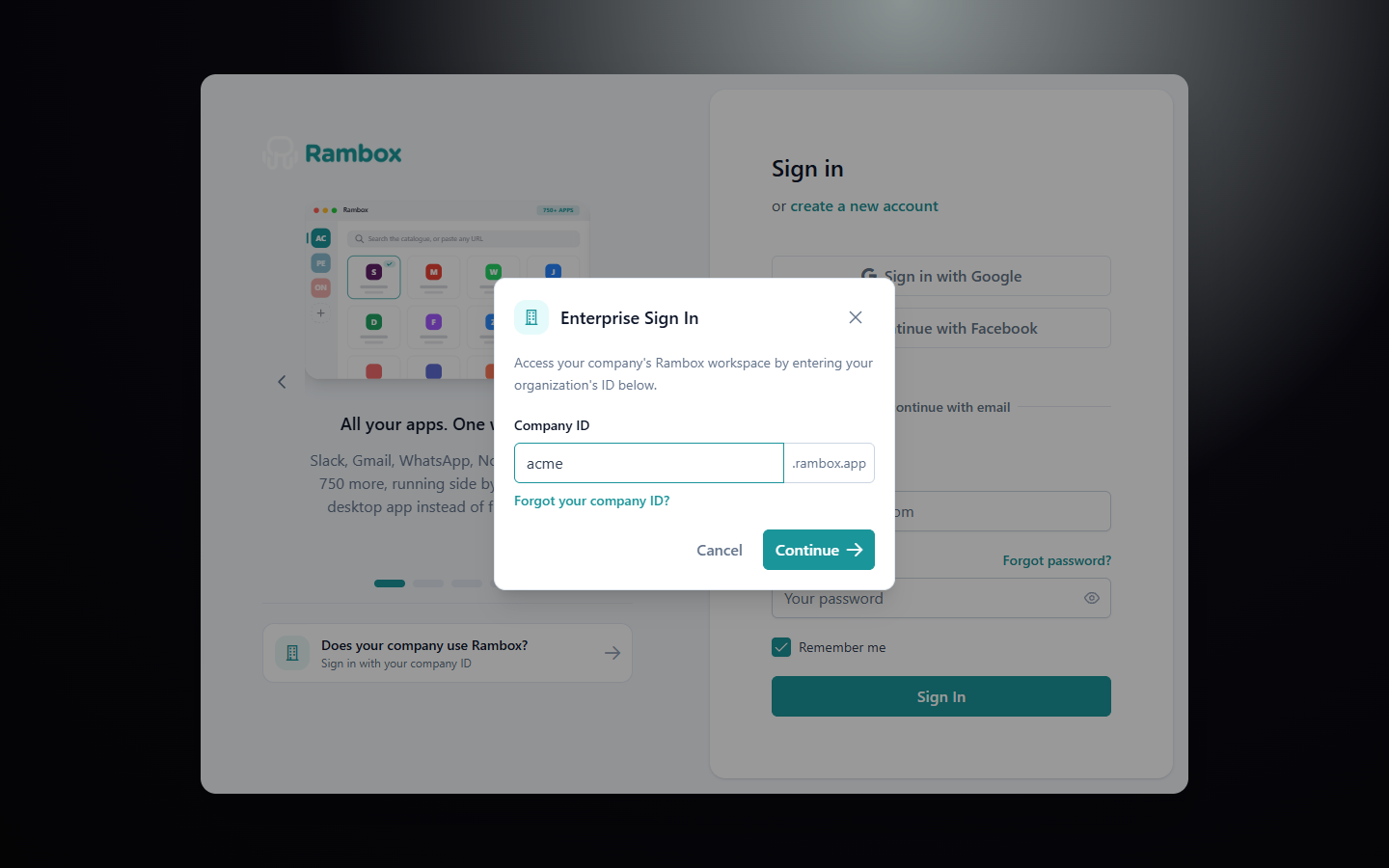
- Your browser opens the Rambox sign-in page. Click Sign in with your company ID (under "Does your company use Rambox?").
- In Enterprise Sign In, type your Company ID and click Continue.
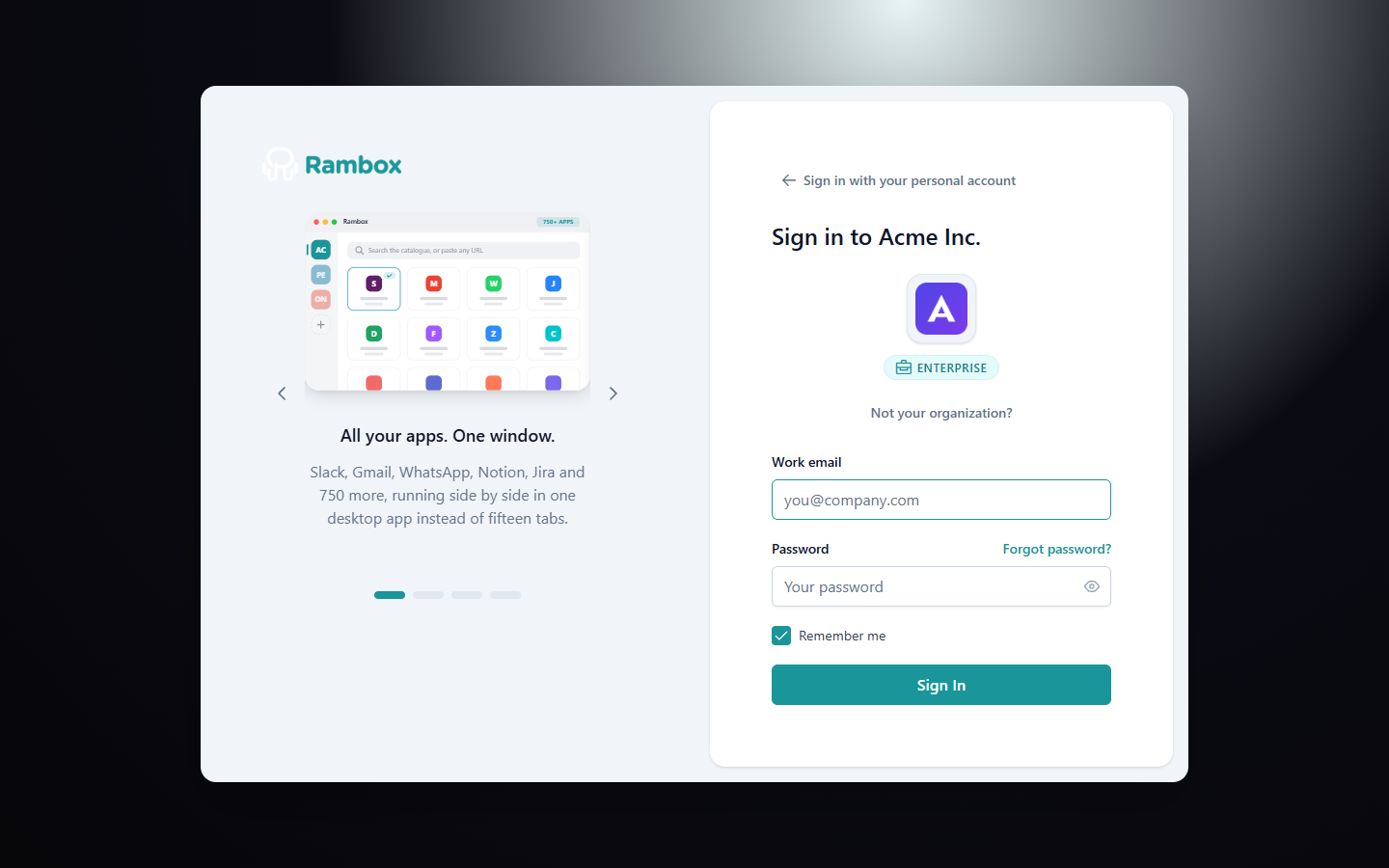
- Your company's page opens, with its logo and name ("Sign in to Acme"). Sign in with one of the options your organization allows:
- Work email and Password, then Sign In, or
- a button such as Sign in with Google, if your organization enabled it.
- You see "You're signed in!". Your browser asks whether to open Rambox: accept it. If nothing happens, click Proceed to Rambox.
- Rambox opens with your organization's shared workspaces.
If the browser tab was closed or the prompt was blocked, click Reopen browser in the app. For more help with the browser sign-in, see Signing in to Rambox.
Remember me
Remember me is checked by default. Next time, the browser goes straight to your company's page. To use another organization, click Not your organization?.
Sign in to the console
Administrators (and members who want to manage their own account) use console.rambox.app. Open it, click Sign in with your company ID, and follow steps 3 and 4 above. You land on the console Home page.
Forgot your company ID?
- On the sign-in page, open Sign in with your company ID and click Forgot your company ID?.
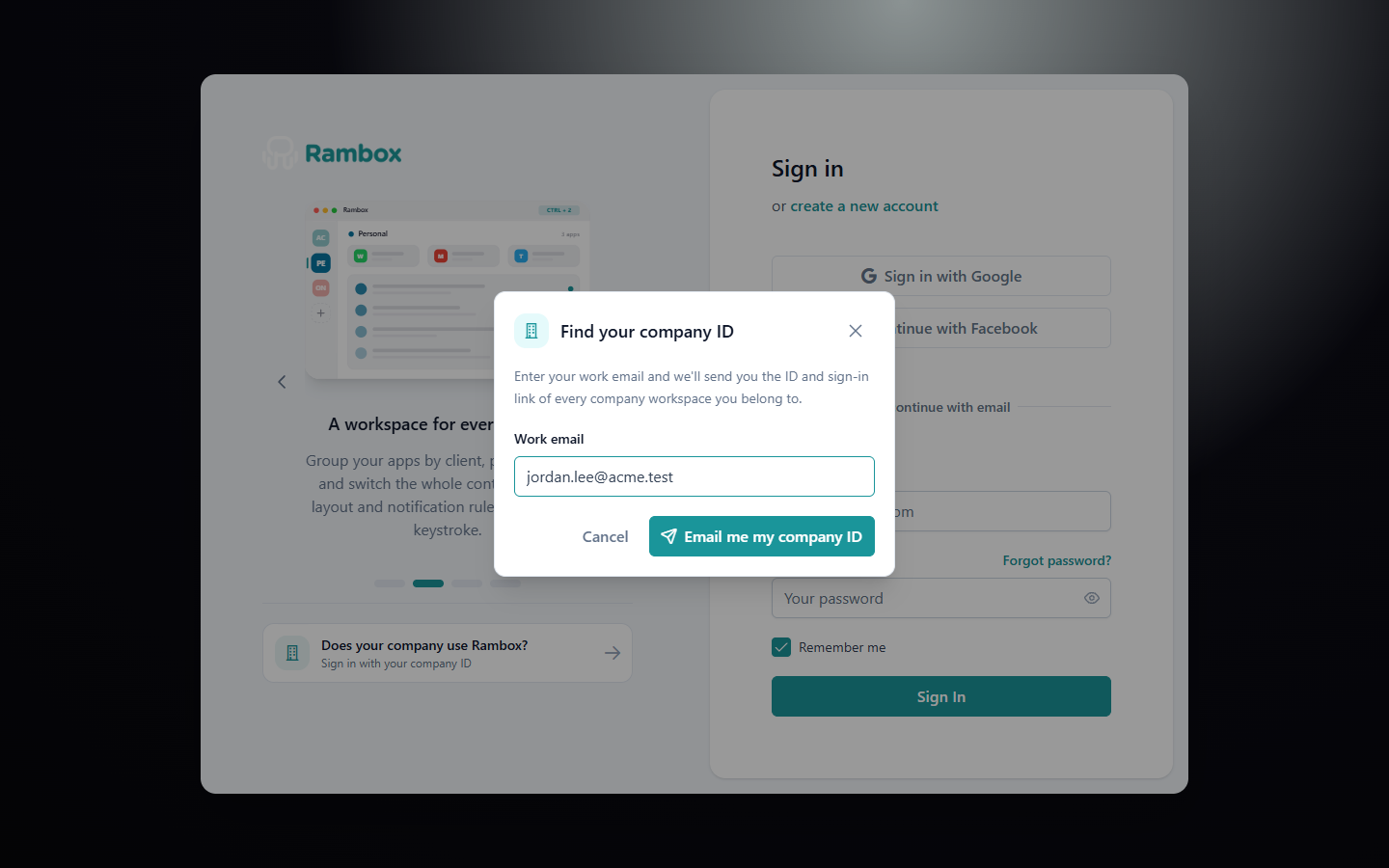
- In Find your company ID, type your Work email and click Email me my company ID.
- Check your inbox. If your email belongs to a company workspace, you receive the ID and sign-in link of every organization you're in.
Forgot your password?
Reset it from your company's sign-in page, not from the regular Rambox sign-in page. See How to reset my Rambox password.
Common messages
- "Organization not found": the company ID is wrong. Check the spelling and click Try a different ID.
- "Invalid organization, email or password.": check your email and password. Make sure you're on your company's page, not the personal sign-in page.
- "The user has been deactivated by their organization.": your administrator turned off your access. Contact them.
- "You were kicked out because your license is expired. Please, contact your admin." (in the app): your organization's subscription isn't active. Your administrator needs to check Billing in the console.