
Introducing Rambox Enterprise
What Rambox Enterprise is, how an organization is organized into teams and sub-teams, and what you manage from the web console.
Rambox Enterprise lets a company give every employee the same, ready-to-use Rambox: the right apps, already organized, with the right permissions. You set everything up once from a web page, and your members simply sign in to the Rambox desktop app.
How it works
Rambox Enterprise has two parts:
- The console (console.rambox.app) is the web page where you, the administrator, manage your organization: members, teams, permissions, shared workspaces, branding and billing.
- The Rambox desktop app is what your members use every day. They sign in with your company ID and find their apps waiting for them.
The main ideas
Here is an example. Acme is a company with a sales department and a human resources department.
- Organization: Acme itself. It has a name, a logo and a company ID (for example
acme) that members type when they sign in. - Members: the people in Acme who use Rambox. You invite them by email, and each one uses one paid seat once they accept.
- Teams: groups of members, usually a department. Acme creates a Sales team and a Human Resources team.
- Sub-teams: smaller groups inside a team, for people who need something different. Inside Human Resources, Acme creates a Recruiter sub-team.
- Shared workspaces: the workspaces and apps that every member of a team (or sub-team) gets automatically. Sales gets "Sales tools" with Gmail, Slack and the CRM; Recruiter gets LinkedIn and the hiring platform.
- Permissions: what each member can see and change, both in the console and in the desktop app. They are set on the team or sub-team, so you don't have to configure each person.
Coming from Rambox 2?
In Rambox 2, teams were called Areas and sub-teams were called Roles. The admin website moved from admin.rambox.app to the console. See Moving your organization to Rambox 3.
What you can do from the console
- Invite members, assign them to a team and sub-team, and deactivate or remove them. See How to add users to your organization.
- Create teams and sub-teams, each with its own permissions. See How to set up a team and its workspaces.
- Build the shared workspaces and choose the apps inside them. See How to add apps to a shared workspace.
- Decide in detail who can do what, and make other people administrators. See Permissions explained.
- Show or hide Rambox's Support options in each member's app.
- Apply your company's logo and colors to Rambox. See Custom branding.
- Choose how members sign in (email and password, Google, Facebook). See Sign-in providers.
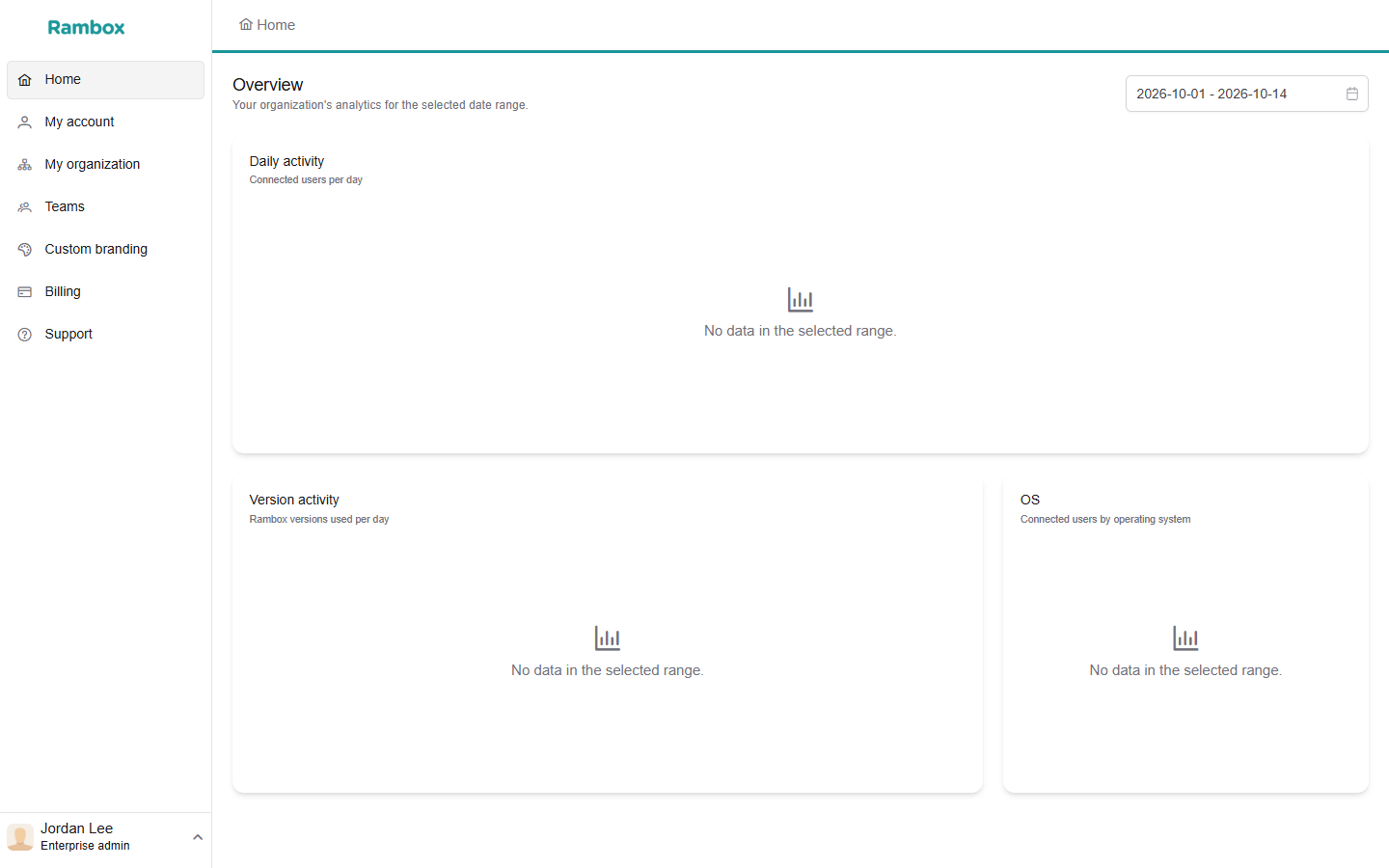
- See daily activity, the Rambox versions and the operating systems your members use, on the Home page.
- Manage the subscription, payment methods and invoices. See Subscribing to Rambox Enterprise.
Trial and pricing
Every new organization starts with a 30-day free trial. No card is needed to start. Enterprise is billed per seat: you pay for each member who has accepted their invitation. For current prices, see rambox.app/pricing.
Ready to start? Follow Getting started with Rambox Enterprise.