
Sign-in providers
Choose how your members sign in to Rambox Enterprise - email and password, Google or Facebook - from the console's Providers page.
The Providers page lets you decide which sign-in methods your members can use on your company's sign-in page. For example, if Acme uses Google Workspace, you can let members sign in with their Google account, so they don't need a separate Rambox password.
You need the Organization permission at Edit or higher to change providers. See Permissions explained.
The available methods
- Email & password: members sign in with their work email and the password they created when accepting the invitation.
- Google: members sign in with a Google account.
- Facebook: members sign in with a Facebook account.
- Microsoft: sign in with a Microsoft (Azure AD) account. Currently shown as "Temporarily disabled.".
- SSO (SAML): single sign-on with your company's identity provider. Currently shown as "Temporarily disabled.".
Microsoft and SAML sign-in
Microsoft and SSO (SAML) sign-in are coming soon. If your organization needs them, contact Rambox support.
Change the sign-in methods
- Sign in to console.rambox.app and click My organization.
- Open the Providers tab.
- Turn each method on or off.
- Click Save changes. You see "Providers saved".
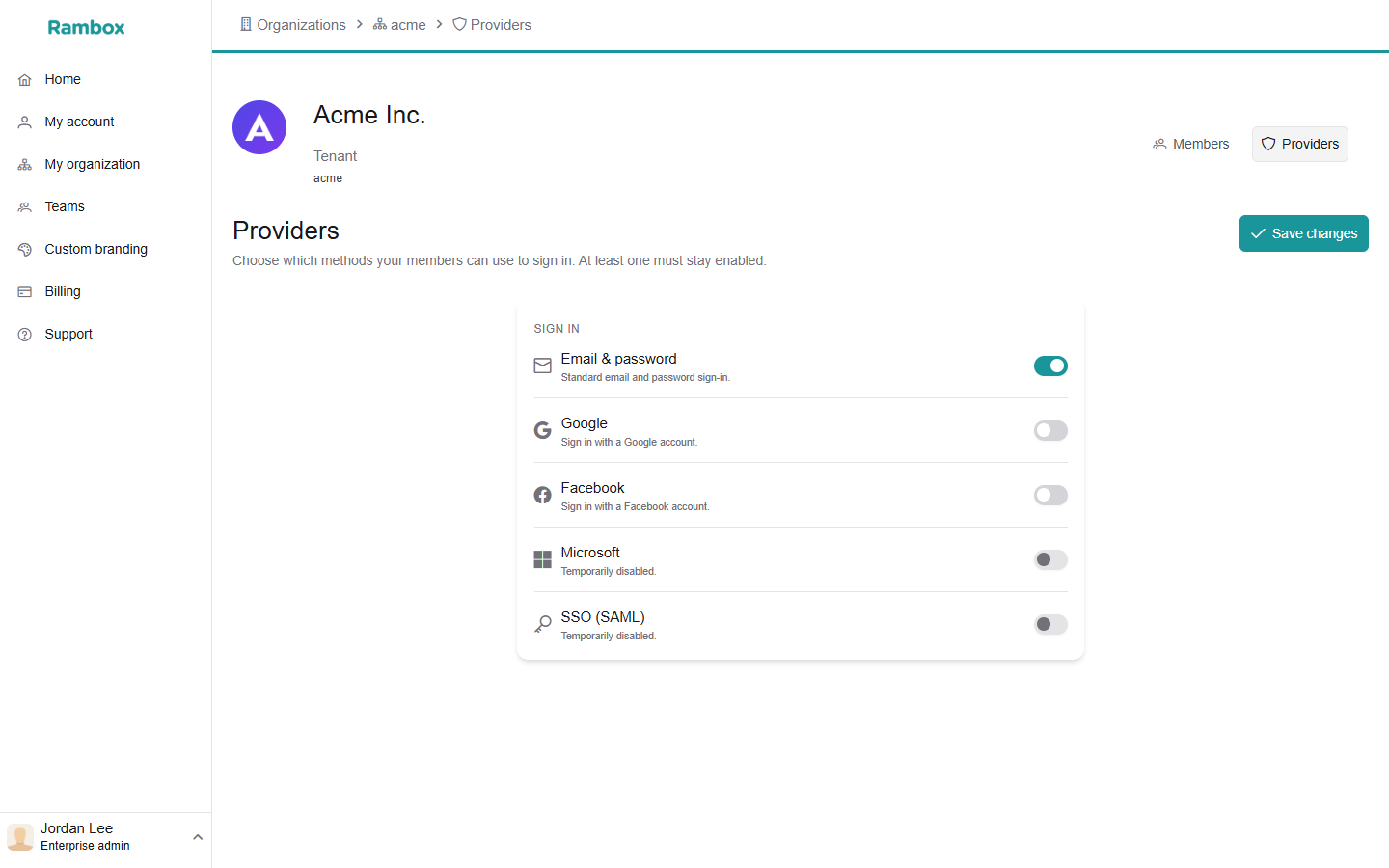
At least one method must stay enabled. If you try to turn off the last one, you see "At least one provider must stay enabled".
What members see
Your company's sign-in page (the one members reach with your company ID) shows only the methods you enabled. For example, with only Google enabled, members see a Sign in with Google button and no email and password fields.
Before you turn off Email & password, make sure every member can sign in with one of the other methods.